

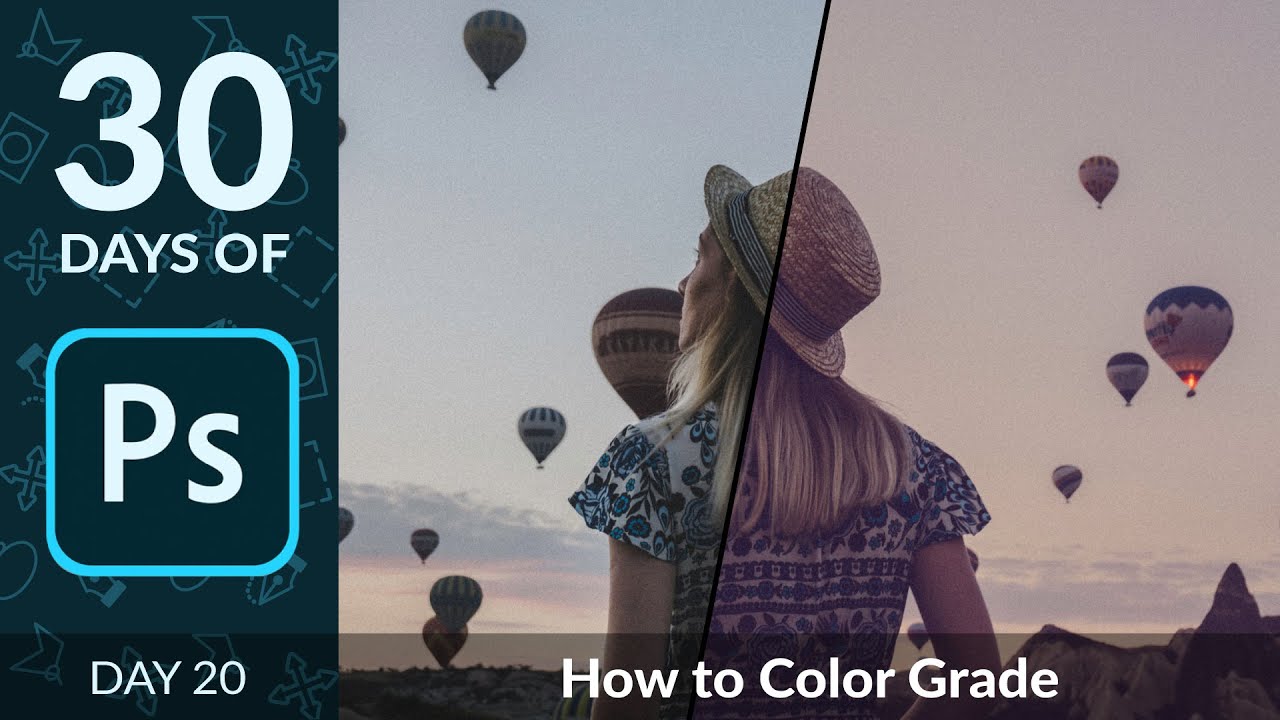
How to Color Grade a Photo in Photoshop | Day 20
PHLEARN on YouTube
A video on YouTube. In Photography & Film, a Krater category.
Watch on YouTubeSummary by Krater
Aaron Nace explains how to color grade images in Adobe Photoshop by utilizing adjustment layers and individual RGB color channels to adjust highlights, midtones, and shadows.
From the video
Answers: How do I color grade images in Photoshop?
- color grading
- Adobe Photoshop levels adjustment
- RGB color channels
- highlights and shadows adjustment
What it concludes
- Levels adjustment layers are ideal for color grading images by modifying individual color channels.
- Combining multiple color-graded adjustment layers can produce balanced and customized visual effects.
Seen it? Rate it, review it and add it to your lists.
Title, thumbnail and channel name from YouTube. Krater isn't affiliated with, endorsed by or sponsored by YouTube or Google.