

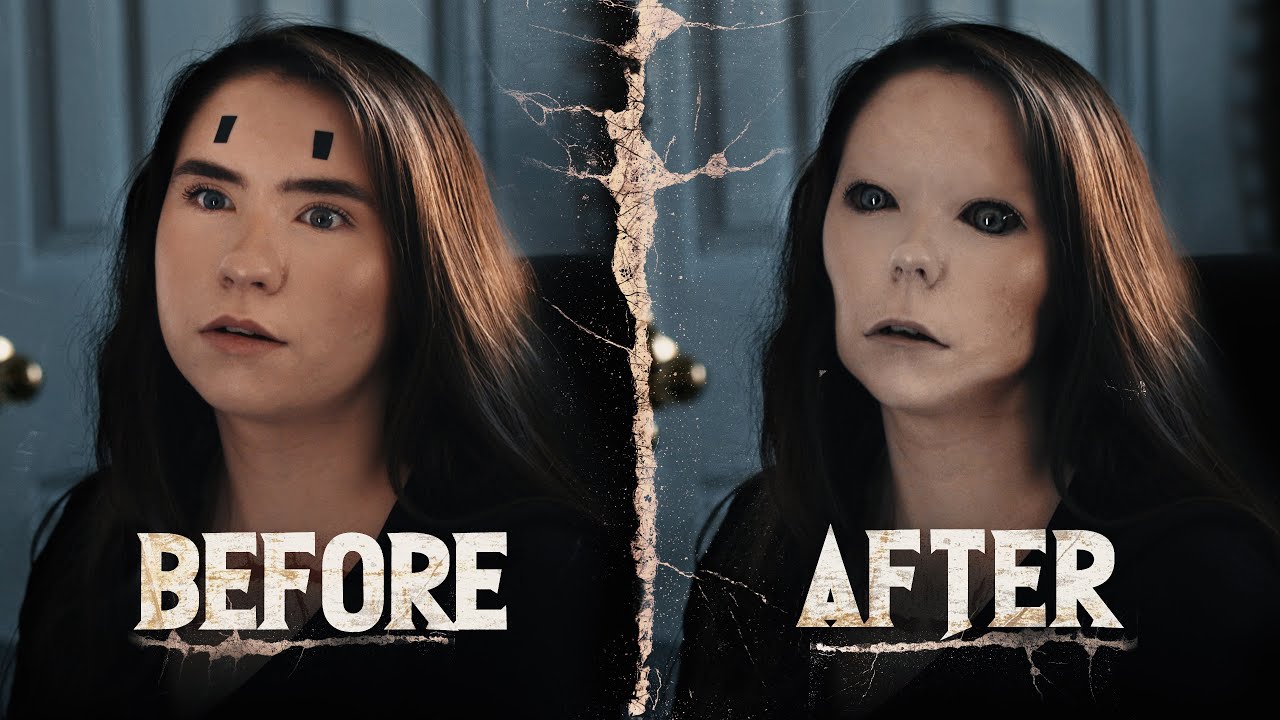
Make a Monster with this Effect
Film Riot on YouTube
A video on YouTube. In Photography & Film, a Krater category.
Watch on YouTubeSummary by Krater
Ryan Connolly demonstrates a simple and effective technique for creating a creepy monster face effect in Adobe After Effects and Photoshop using still frames, liquify tools, and tracking.
From the video
Answers: How do you create a creepy horror movie monster face effect in After Effects and Photoshop?
- Creepy creature face VFX effect
- Adobe After Effects still frame tracking
- Photoshop Liquify tool face adjustments
- Digital mask compositing
- Horror VFX techniques
What it concludes
- A still-frame asset tracked onto footage infuses realism through an organic handheld feel.
- Using Photoshop for facial liquefying and masking provides greater precision and a solid look compared to doing it entirely in After Effects.
- Using blending modes like Vivid Light with opacity adjustments and masks can create a pale, unsettling look for horror characters.
- Switching VPN servers allows you to access region-restricted content on streaming platforms like Netflix and Disney+.
Seen it? Rate it, review it and add it to your lists.
Title, thumbnail and channel name from YouTube. Krater isn't affiliated with, endorsed by or sponsored by YouTube or Google.