 Krater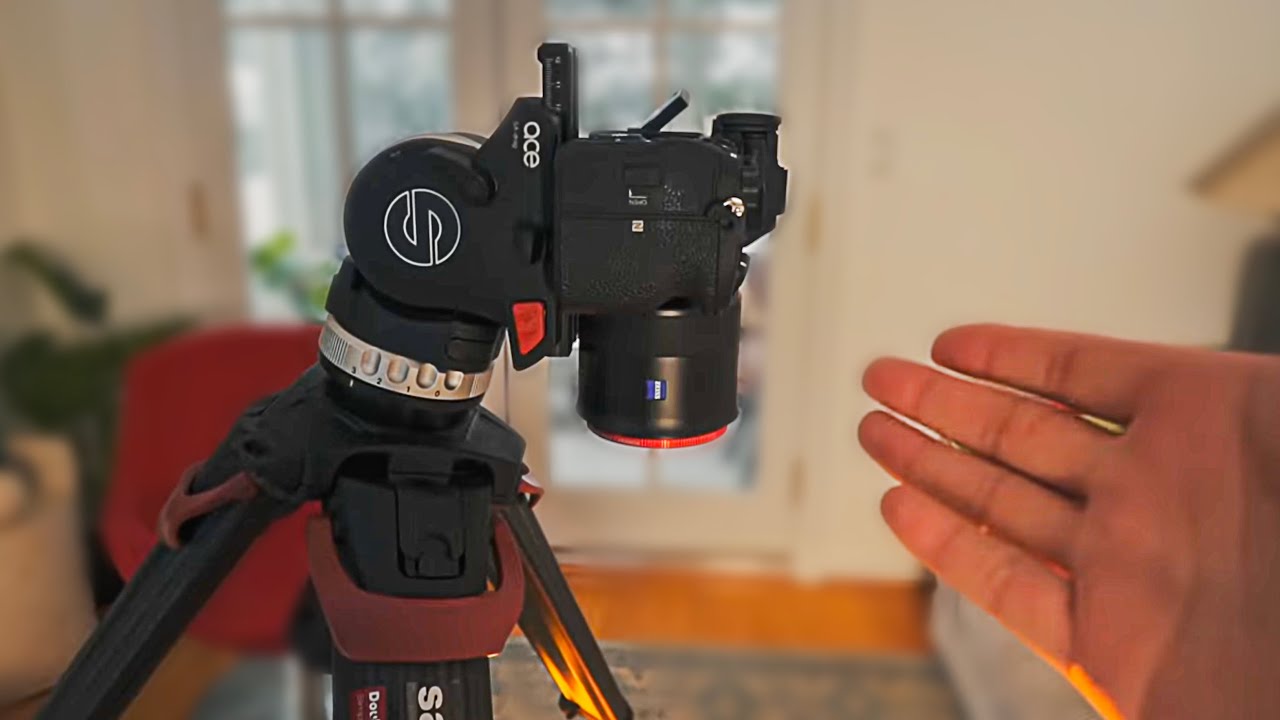
How to FAKE Super Slow-Mo with ANY Camera!
A video on YouTube. In Photography & Film, a Krater category.
Watch on YouTubeSummary by Krater
The creator demonstrates how to create a fake super slow-motion effect in Final Cut Pro X using a tomato drop, a camera rig, and keyframe adjustments.
From the video
Answers: How do you create a fake super slow-motion effect in video editing?
- slow motion video effect
- Final Cut Pro X editing
- camera focus pull
- green screen keying
- Canva Pro brand kit
What it concludes
- Fake super slow-motion creates tension and engagement without expensive high-speed cameras.
- Combining a real camera focus pull with digital zoom creates a realistic push-in effect.
Rate it, review it and add it to your lists in Krater.
Titles and thumbnails from YouTube. Krater isn't affiliated with, endorsed by or sponsored by YouTube or Google.