 Krater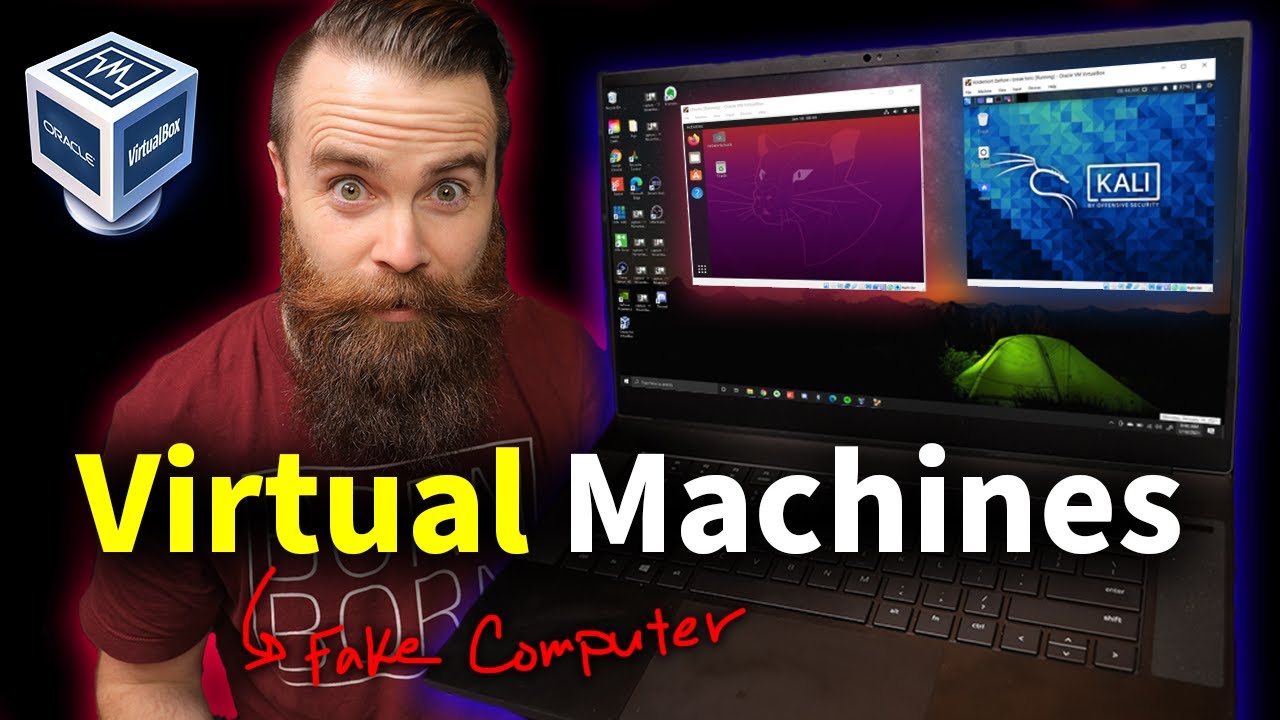
you need to learn Virtual Machines RIGHT NOW!! (Kali Linux VM, Ubuntu, Windows)
A video on YouTube. In Tech, a Krater category.
Watch on YouTubeSummary by Krater
This video explains what virtual machines are and walks through how to set one up on a laptop using VirtualBox, including enabling virtualization in the BIOS, downloading Kali Linux and Ubuntu ISOs, and configuring CPU, RAM, and disk space.
From the video
Answers: How do I set up a virtual machine on my laptop using VirtualBox?
- Virtual machines
- Hypervisors (Type 1 and Type 2)
- VirtualBox setup and configuration
- BIOS virtualization settings (Intel VMX / AMD-V)
- Kali Linux installation in a virtual machine
- Ubuntu installation in a virtual machine
- Virtual machine management (snapshots, cloning, pausing)
What it concludes
- Using a virtual machine is the safest and most secure way to learn hacking and practice on platforms like TryHackMe and Hack The Box.
- A virtual machine runs completely isolated from your host operating system, ensuring that actions taken inside the virtual machine do not affect your main computer.
- Dynamically allocated hard disk storage is recommended when creating a virtual machine because it only uses up storage as it fills up rather than taking the full size immediately.
- Enabling Intel VMX or AMD-V virtualization technology in your computer's BIOS is required to run 64-bit operating systems in virtual machines.
- Taking virtual machine snapshots allows you to easily save and restore the state of your virtual machine if anything breaks.
Rate it, review it and add it to your lists in Krater.
Titles and thumbnails from YouTube. Krater isn't affiliated with, endorsed by or sponsored by YouTube or Google.