 Krater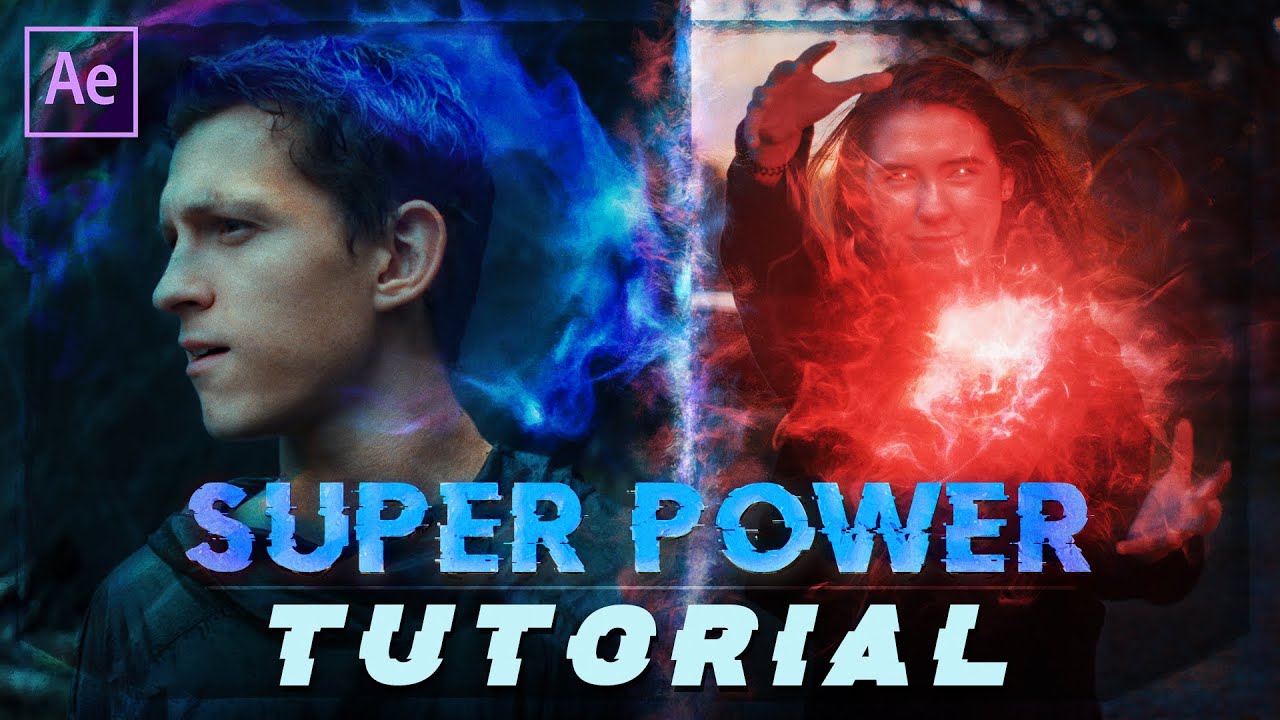
Super Power Energy Effects (After Effects Tutorial)
A video on YouTube. In Photography & Film, a Krater category.
Watch on YouTubeSummary by Krater
This tutorial demonstrates how to composite energy visual effects onto footage using Adobe After Effects, covering motion tracking, blending modes, opacity expressions, blur effects, color grading, and glow effects.
From the video
Answers: How do you add energy visual effects to footage in After Effects?
- motion tracking in After Effects
- energy visual effects compositing
- opacity expressions with wiggle
- displacement blur effects
- color grading and glow effects
What it concludes
- Orbit 1 asset provides the best energy effect for the tested shot.
- Using a wiggle expression on opacity creates a flickering energy appearance.
- Applying compound blur and vector blur with an energy layer map creates distortion around the effect.
Rate it, review it and add it to your lists in Krater.
Titles and thumbnails from YouTube. Krater isn't affiliated with, endorsed by or sponsored by YouTube or Google.