 Krater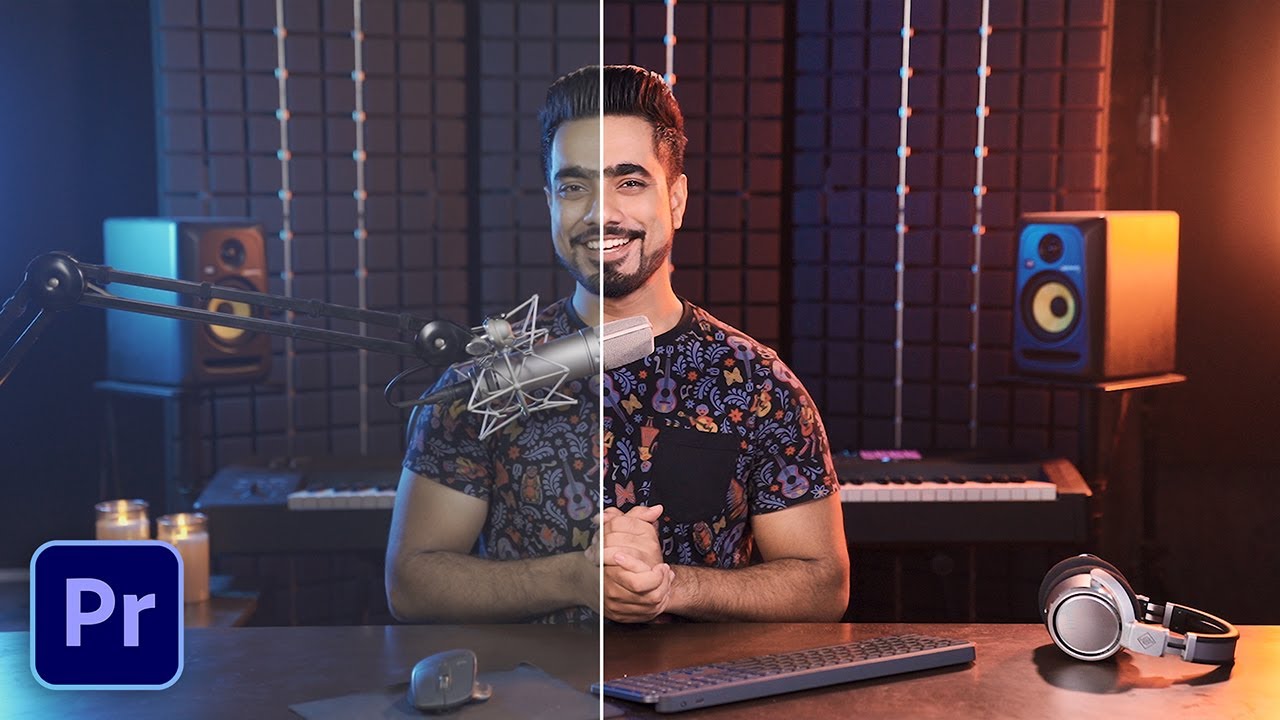
How I Color Grade My Videos in Premiere Pro! - 2021 Edition
A video on YouTube. In Photography & Film, a Krater category.
Watch on YouTubeSummary by Krater
Unmesh Dinda from PiXimperfect demonstrates his three-pass colour grading technique in Adobe Premiere Pro 2021 for talking head videos, showing how to balance exposure and colors, even out skin tones, and add a final contrast punch.
From the video
Answers: How do you color grade a talking head video in Adobe Premiere Pro?
- talking head color grading
- three pass color grading method
- exposure and white balance adjustment
- skin tone correction in Lumetri Color
- HSL secondary color masking
- Premiere Pro color workflow
- Lumetri Color presets
What it concludes
- Applying color grading to the source footage rather than individual clips ensures consistency across all cuts in Premiere Pro.
- Using three distinct passes—first for overall color and exposure, second for skin tones, and third for contrast and punch—produces a professional talking head grade.
- Applying HSL Secondary masks targeting skin tones allows precise correction of dark areas and unevenness without affecting the rest of the image.
- Saving the three Lumetri Color passes as a preset allows quick application to future videos with similar lighting.
Rate it, review it and add it to your lists in Krater.
Titles and thumbnails from YouTube. Krater isn't affiliated with, endorsed by or sponsored by YouTube or Google.