 Krater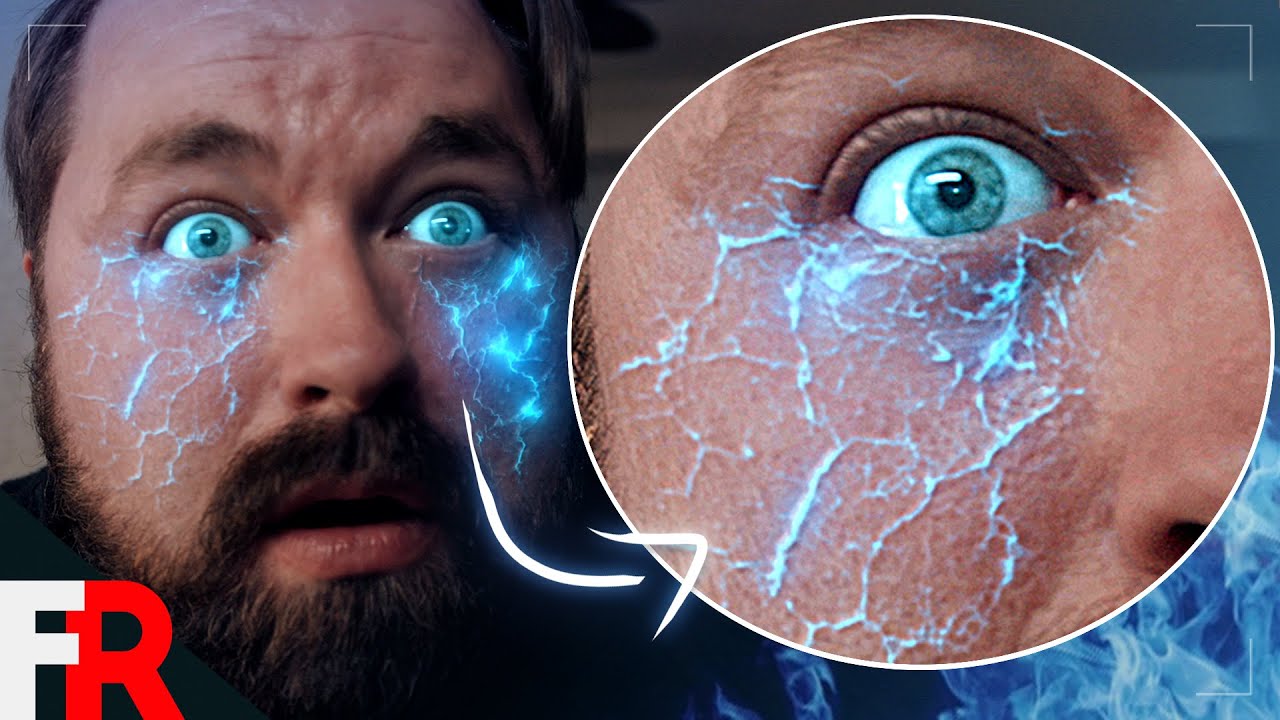
Infected Veins (After Effects Tutorial)
A video on YouTube. In Photography & Film, a Krater category.
Watch on YouTubeSummary by Krater
This video is a visual effects tutorial demonstrating how to create a glowing vein effect using Adobe After Effects and Mocha Pro, inspired by the movie Godzilla.
From the video
Answers: How do you create a glowing vein visual effect in After Effects?
- VFX tutorial
- Adobe After Effects
- Mocha Pro
- Mesh tracking
- Glowing veins effect
What it concludes
- Mocha Pro's Power Mesh Tracker can be used to track subtle warps and distortions in a face for visual effects.
- Cracked dry ground textures from Unsplash can be inverted and heavily blurred to generate realistic vein patterns.
- Applying CC Glass with a custom bump map allows the veins to realistically raise the actor's skin.
Rate it, review it and add it to your lists in Krater.
Titles and thumbnails from YouTube. Krater isn't affiliated with, endorsed by or sponsored by YouTube or Google.