 Krater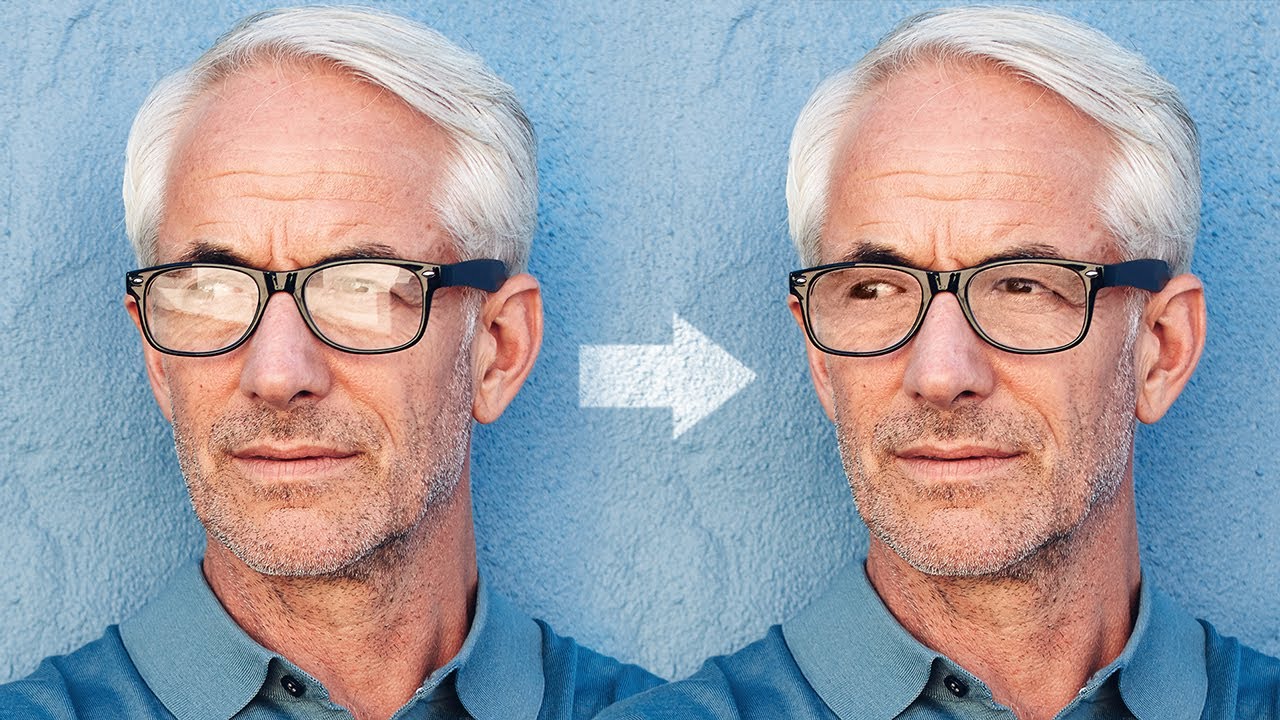
Magically Remove Glare from Glasses in Photoshop!
A video on YouTube. In Photography & Film, a Krater category.
Watch on YouTubeSummary by Krater
This tutorial explains how to remove glare from glasses in Photoshop using a three-step process involving brightness matching, color correction, and edge cleanup.
From the video
Answers: How do you remove glare from glasses in Photoshop?
- Removing glare from glasses in Photoshop
- Dodge and burn technique for portraits
- Color matching in Photoshop
- Cleanup and edge refinement
What it concludes
- Fixing glare requires matching brightness using curves and dodge and burn layers.
- Colors behind glasses can be matched using a color layer set to color blend mode.
- Edges of glasses and eyes can be cleaned up using healing and clone stamp tools.
Rate it, review it and add it to your lists in Krater.
Titles and thumbnails from YouTube. Krater isn't affiliated with, endorsed by or sponsored by YouTube or Google.