 Krater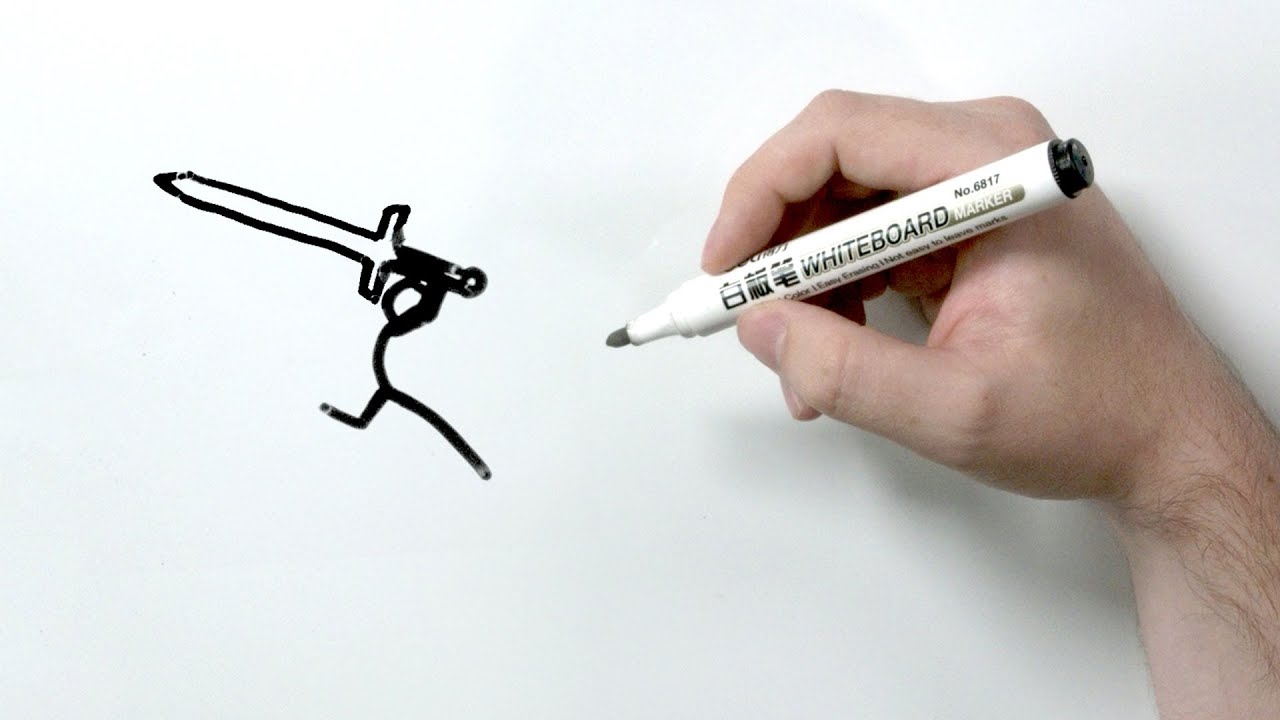
Animating a fight I shouldn't have started...
A video on YouTube. In Art & Drawing, a Krater category.
Watch on YouTubeSummary by Krater
The creator attempts to create their first stop-motion animation using an ASUS ProArt display, a ProArt USB-C monitor, and an ASUS ZenBook Pro Duo, detailing the challenges and process of frame-by-frame whiteboard animation.
From the video
Answers: How do you make a stop-motion whiteboard animation?
- stop-motion animation
- whiteboard animation
- storyboarding
- color calibration
- ProArt display
What it concludes
- The ASUS ProArt display offers incredible and gorgeous color-calibrated 4K visuals.
- Using multiple monitors like the ZenBook Pro Duo and ProArt displays streamlines the stop-motion animation workflow.
- Adding dynamic moments later in production significantly improves the fluidity and action of stop-motion animation.
Rate it, review it and add it to your lists in Krater.
Titles and thumbnails from YouTube. Krater isn't affiliated with, endorsed by or sponsored by YouTube or Google.