 Krater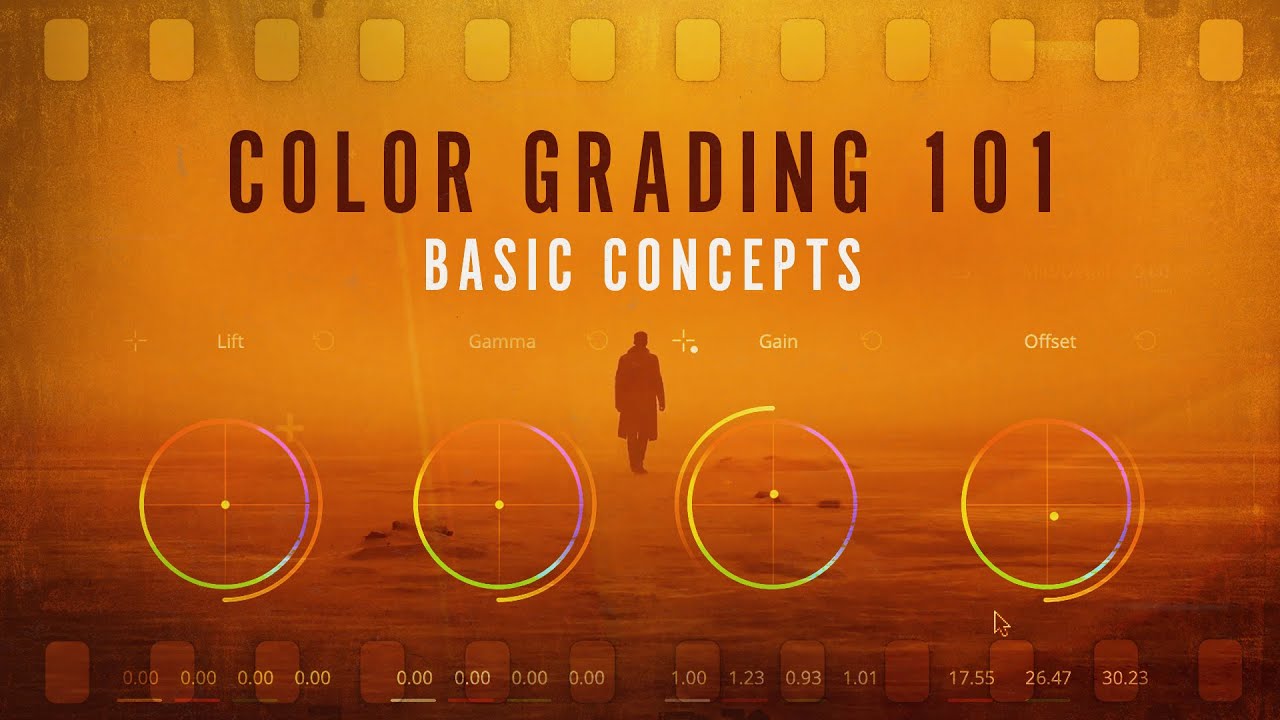
Color Grading 101 - Everything You Need to Know
A video on YouTube. In Photography & Film, a Krater category.
Watch on YouTubeSummary by Krater
This video provides a foundational guide to color grading in video editing, covering color correction, color spaces, raw, log, ACES, LUTs, and scopes using DaVinci Resolve.
From the video
Answers: How do I color grade video and use color spaces, log, RAW, LUTs, and scopes?
- color correction vs color grading
- color spaces (Rec.709, Rec.2020, HDR)
- acquisition color spaces
- RAW and LOG video recording
- ACES (Academy Color Encoding System)
- LUTs (Look-Up Tables)
- video scopes (waveform, RGB parade, vectorscope)
- hue-saturation and hue-hue curves
What it concludes
- Rec.709 is the most common default color profile for screens, but is being replaced by Rec.2020 and Rec.2100 for cinematic HDR color space.
- RAW recording saves as much sensor data as possible and offers immense color-grading flexibility, but results in massive file sizes and requires debayering.
- LOG recording uses an optimized gamma curve to capture maximum highlight and shadow detail while maintaining manageable file sizes compared to RAW.
- ACES standardizes color space management across different camera formats and destinations, making multi-platform distribution much easier.
- LUTs act as color filters to quickly transform image color spaces or apply creative looks, but they cannot adjust grain, vignetting, or noise reduction.
- DaVinci Resolve is the premier post-production software for color grading due to its node-based workflow and powerful built-in tools.
Rate it, review it and add it to your lists in Krater.
Titles and thumbnails from YouTube. Krater isn't affiliated with, endorsed by or sponsored by YouTube or Google.