 Krater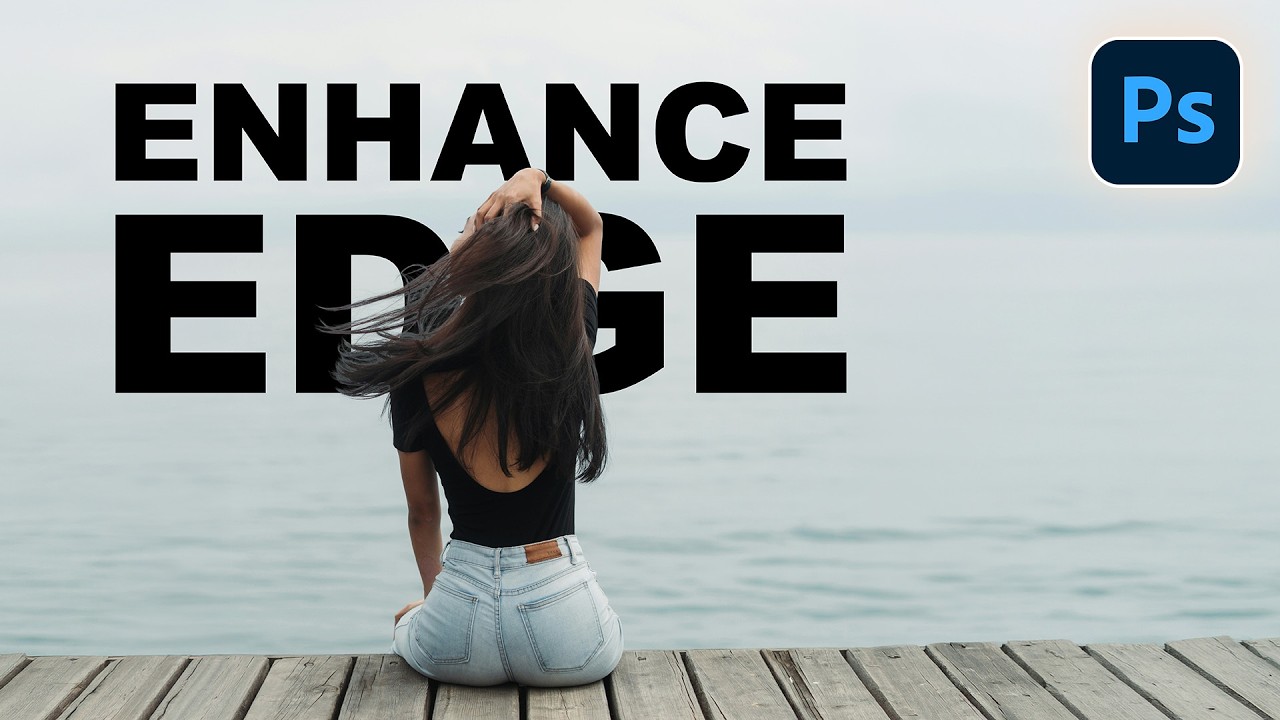
Photoshop's New Enhance Edge Tool (Worth the Credits?)
A video on YouTube. In Photography & Film, a Krater category.
Watch on YouTubeSummary by Krater
This video reviews Adobe Photoshop's new AI-powered Enhance Edge tool, demonstrating how it handles fringing and comparing it with a free manual clipping mask and brush technique.
From the video
Answers: How does Photoshop's new Enhance Edge tool work and how does it compare to manual clipping masks?
- Photoshop Enhance Edge tool
- Removing background fringing
- Clipping masks in Photoshop
- Brush tool with Darken blend mode
What it concludes
- Enhance Edge takes color from the inside and moves it out without affecting the layer mask.
- Enhance Edge costs 20 generative credits per use.
- Using a clipping mask with the brush tool set to Darken mode is a free alternative to Enhance Edge that avoids credit charges.
Rate it, review it and add it to your lists in Krater.
Titles and thumbnails from YouTube. Krater isn't affiliated with, endorsed by or sponsored by YouTube or Google.