 Krater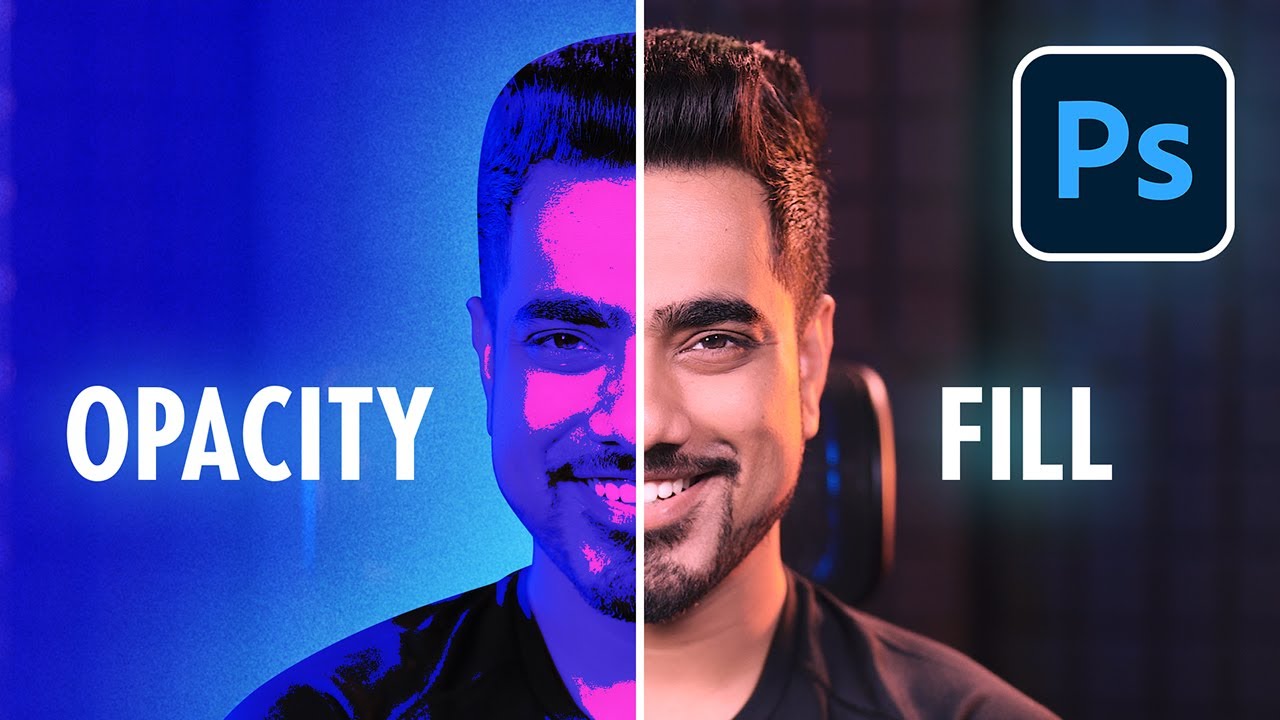
Opacity vs Fill - Photoshop for Beginners | Lesson 3
A video on YouTube. In Photography & Film, a Krater category.
Watch on YouTubeSummary by Krater
This Photoshop tutorial explains the difference between Opacity and Fill through three examples, demonstrating how special blend modes and layer styles react differently to each property.
From the video
Answers: What is the difference between Opacity and Fill in Photoshop?
- Photoshop opacity vs fill
- Layer blend modes in Photoshop
- Special blend modes in Photoshop
- Layer styles in Photoshop
- Blend If sliders tutorial
- Clipping masks in Photoshop
- Adding a realistic sun effect in Photoshop
- Gradient fill layers in Photoshop
What it concludes
- Under general circumstances, Opacity and Fill tend to work the same way.
- Under special blend modes, Fill controls the projection and changes how the layer interacts with the entire layer, whereas Opacity makes the layer transparent.
- When using layer styles, decreasing Opacity makes the whole thing transparent while decreasing Fill keeps the layer style intact.
- Fill controls the projection when using special blend modes, whereas Opacity makes the layer transparent.
Rate it, review it and add it to your lists in Krater.
Titles and thumbnails from YouTube. Krater isn't affiliated with, endorsed by or sponsored by YouTube or Google.