 Krater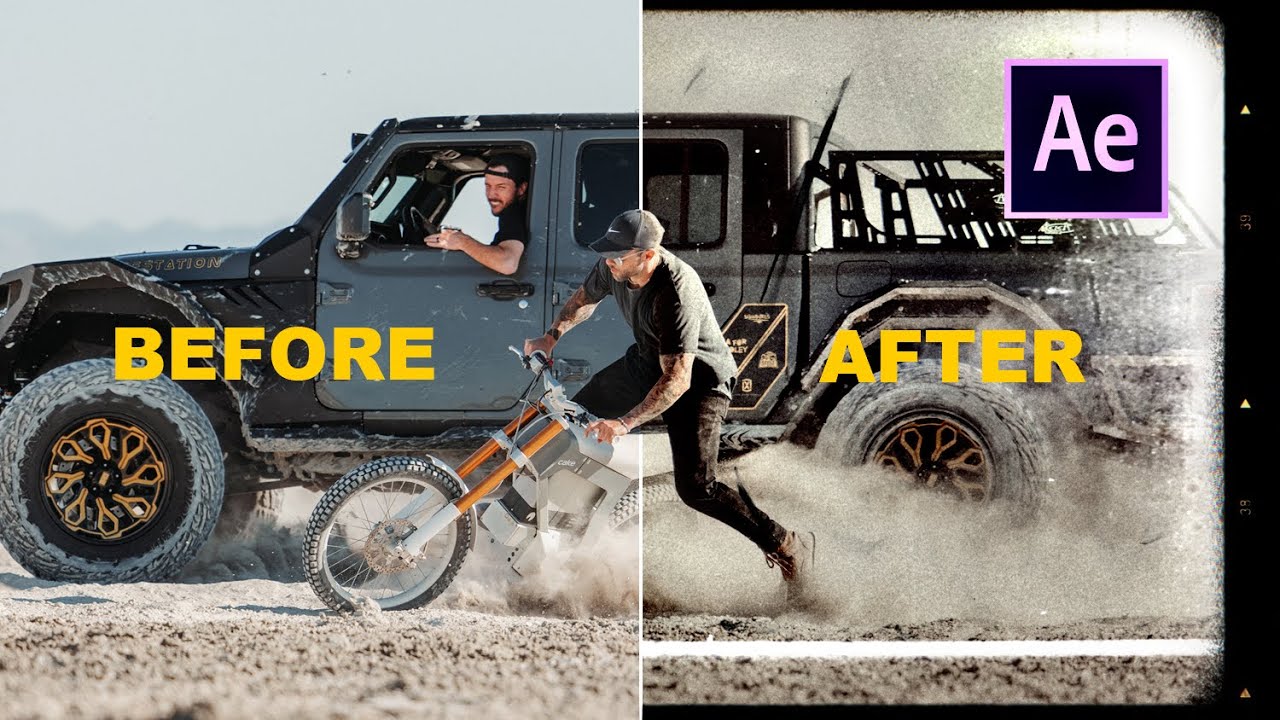
How to make a KILLER After Effects INTRO for your videos! (Easy!!)
A video on YouTube. In Photography & Film, a Krater category.
Watch on YouTubeSummary by Krater
The creator demonstrates how to create a stylized vintage film intro in Adobe After Effects using grain, grunge overlays, time-stretching, and offset animation.
From the video
Answers: How do I make a vintage film intro in After Effects?
- Adobe After Effects channel intro tutorial
- Adding grain and grunge effects
- Time-stretching clips
- Using adjustment layers for color grading
- Animating vertical offset for film roll effect
What it concludes
- Using adjustment layers allows you to apply effects like grain, tint, and grunge across multiple underlying video clips simultaneously.
- Adjusting the iteration setting on a Fast Box Blur reduces the smoothness of the blur to create a more choppy, grainy look.
- Inverting a masked adjustment layer blurs the background while keeping the subject in focus.
- Applying vertical offset with keyframes creates a rolling film strip effect.
Rate it, review it and add it to your lists in Krater.
Titles and thumbnails from YouTube. Krater isn't affiliated with, endorsed by or sponsored by YouTube or Google.