 Krater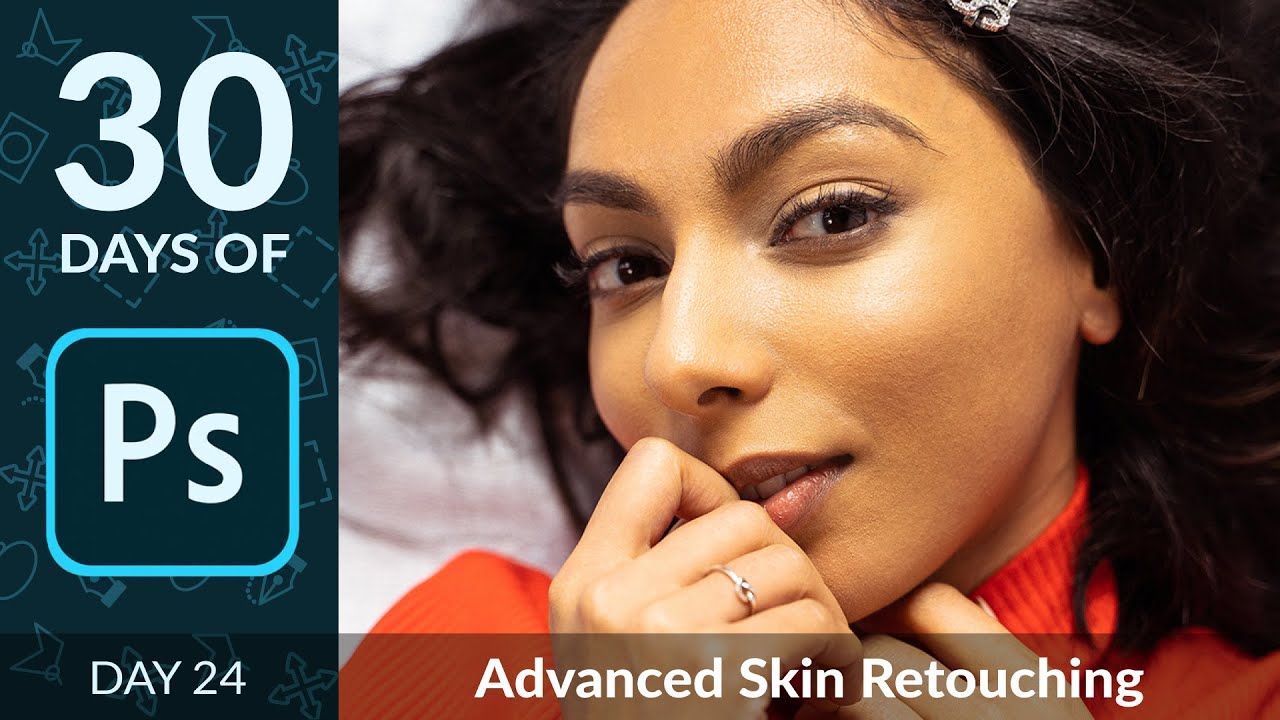
How to Use Frequency Retouching in Photoshop | Day 24
A video on YouTube. In Photography & Film, a Krater category.
Watch on YouTubeSummary by Krater
This tutorial demonstrates how to use frequency separation in Adobe Photoshop to independently edit skin color and texture in portrait retouching.
From the video
Answers: How do I do frequency separation retouching in Photoshop?
- frequency separation
- skin retouching
- color and texture separation
- Adobe Photoshop actions
- brush tool techniques
- clone stamp tool techniques
What it concludes
- Frequency separation allows you to edit the texture and color of an image separately.
- Using a low flow with the brush tool helps create smooth transitions between light and dark areas.
- The clone stamp tool on the high frequency layer allows you to remove blemishes and stray hairs while preserving skin color.
Rate it, review it and add it to your lists in Krater.
Titles and thumbnails from YouTube. Krater isn't affiliated with, endorsed by or sponsored by YouTube or Google.