 Krater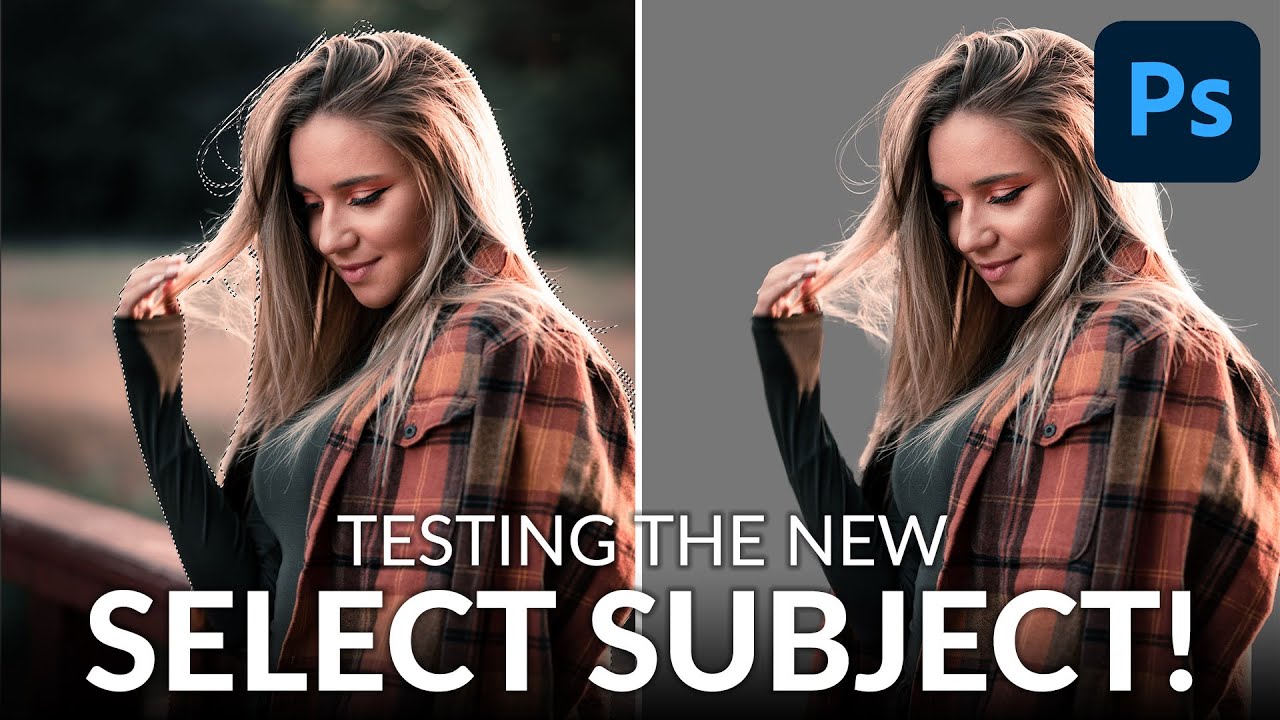
Testing the NEW Select Subject Tool in Photoshop 2020
A video on YouTube. In Photography & Film, a Krater category.
Watch on YouTubeSummary by Krater
The instructor demonstrates how to use Photoshop's Select Subject tool on three different images, highlighting its automatic detection and the use of Refine Edge and Select and Mask for detailed touch-ups.
From the video
Answers: How do I use Select Subject in Photoshop?
- Photoshop Select Subject tool
- Selecting hair in Photoshop
- Refining edge tool
- Select and Mask workspace
- Automated image cutouts
What it concludes
- Photoshop's Select Subject tool powered by Adobe Sensei works surprisingly well and requires minimal manual refinement for basic cutouts.
Rate it, review it and add it to your lists in Krater.
Titles and thumbnails from YouTube. Krater isn't affiliated with, endorsed by or sponsored by YouTube or Google.