 Krater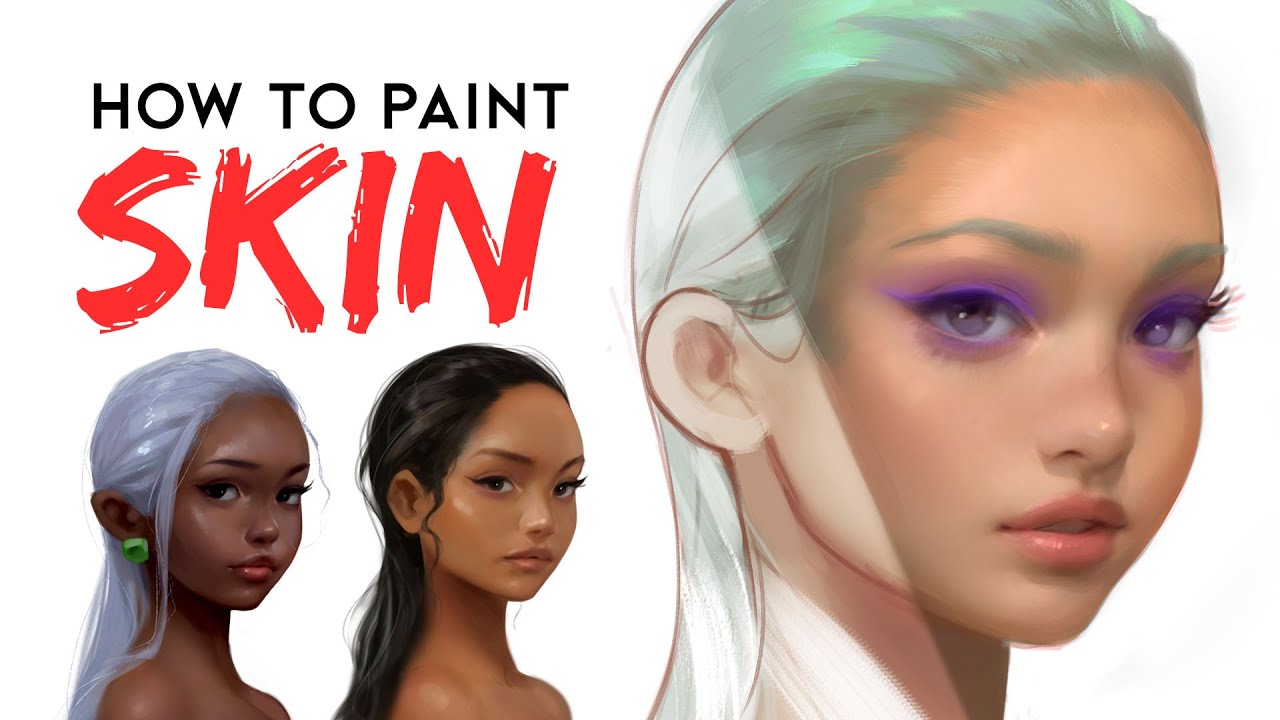
How To Paint Skin - Digital Painting Tutorial!
A video on YouTube. In Art & Drawing, a Krater category.
Watch on YouTubeSummary by Krater
The creator demonstrates his step-by-step process for painting digital skin across three different skin tones—fair, warm/tan, and rich/dark—using Adobe Photoshop, color zones, soft brushes, and airbrushes.
From the video
Answers: How do you paint digital skin tones?
- Digital skin painting tutorial
- Skin color zones in art
- Using round brushes and airbrushes in Photoshop
- Painting fair skin tones
- Painting warm and tan skin tones
- Painting rich and dark skin tones
- Adding environmental skylight and reflections to skin
- Color dodge blending mode for skin highlights
What it concludes
- Using reference images for skin tones helps artists work more efficiently and accurately.
- The face is generally divided into three color zones: yellow/white brow, red cheeks and nose, and blue/green/gray chin.
- Darker skin tones pick up more red and purple tones and have a naturally glossy, wet look compared to lighter skin.
- Incorporating skylight and environmental reflections into the skin makes digital paintings more accurate and realistic.
- Blending initial line art into the painting prevents the portrait from looking robotic and sterile.
Rate it, review it and add it to your lists in Krater.
Titles and thumbnails from YouTube. Krater isn't affiliated with, endorsed by or sponsored by YouTube or Google.