 Krater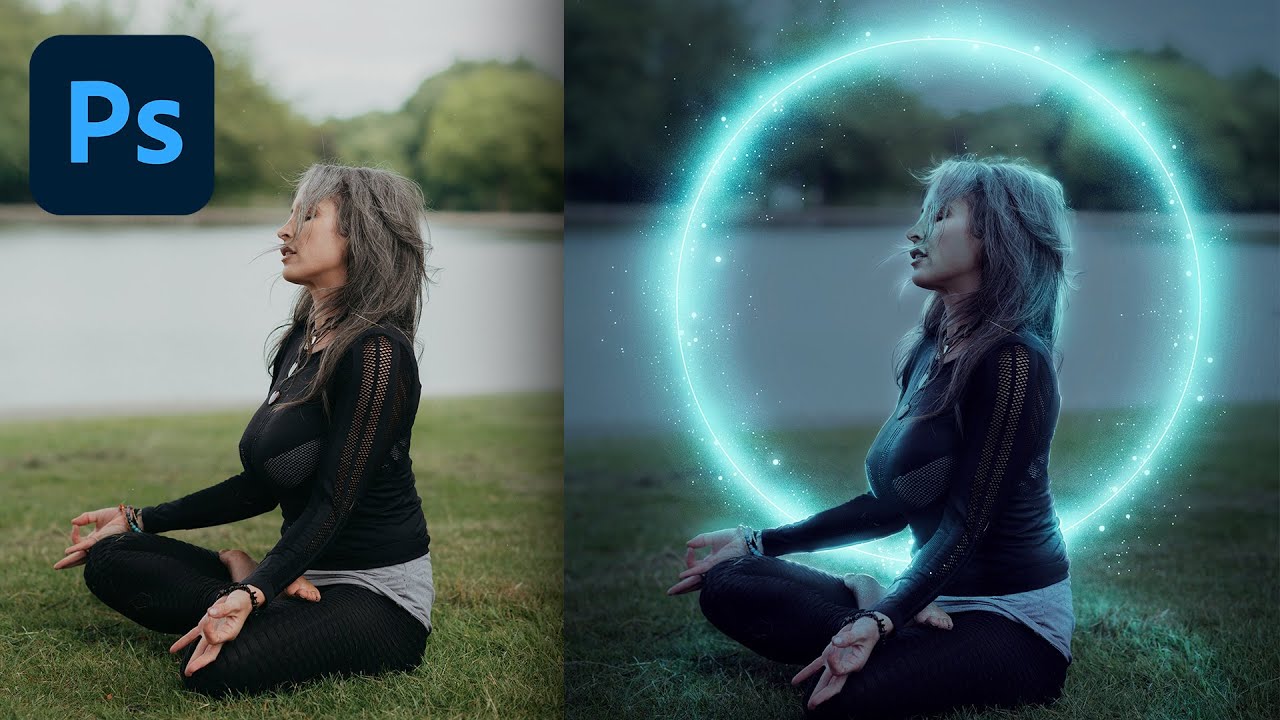
Create a Glow Effect in Photoshop! | Tutorial by PHLEARN
A video on YouTube. In Photography & Film, a Krater category.
Watch on YouTubeSummary by Krater
A step-by-step tutorial demonstrating how to create a glowing energy ring effect in Adobe Photoshop, featuring techniques such as layer blending, Gaussian blur, color range selections, layer masks, and custom brush creation.
From the video
Answers: How do you create a glowing circle energy effect in Photoshop?
- Adobe Photoshop glow effect
- Gaussian blur techniques
- Layer blending modes
- Creating custom Photoshop brushes
- Using layer masks and color range
What it concludes
- Duplicating shape layers and applying progressively larger Gaussian blur values creates a glowing halo effect.
- Using Screen and Linear Dodge blend modes enhances the brightness of light effects in Photoshop.
- Color Range selections combined with layer masks help restrict glow effects to specific subject areas.
- Using a pressure-sensitive tablet makes painting fine details like hair highlights and light particles easier than using a mouse.
- Applying Color Balance adjustments at the end helps tie the colors of the subject and lighting effects together.
Rate it, review it and add it to your lists in Krater.
Titles and thumbnails from YouTube. Krater isn't affiliated with, endorsed by or sponsored by YouTube or Google.