 Krater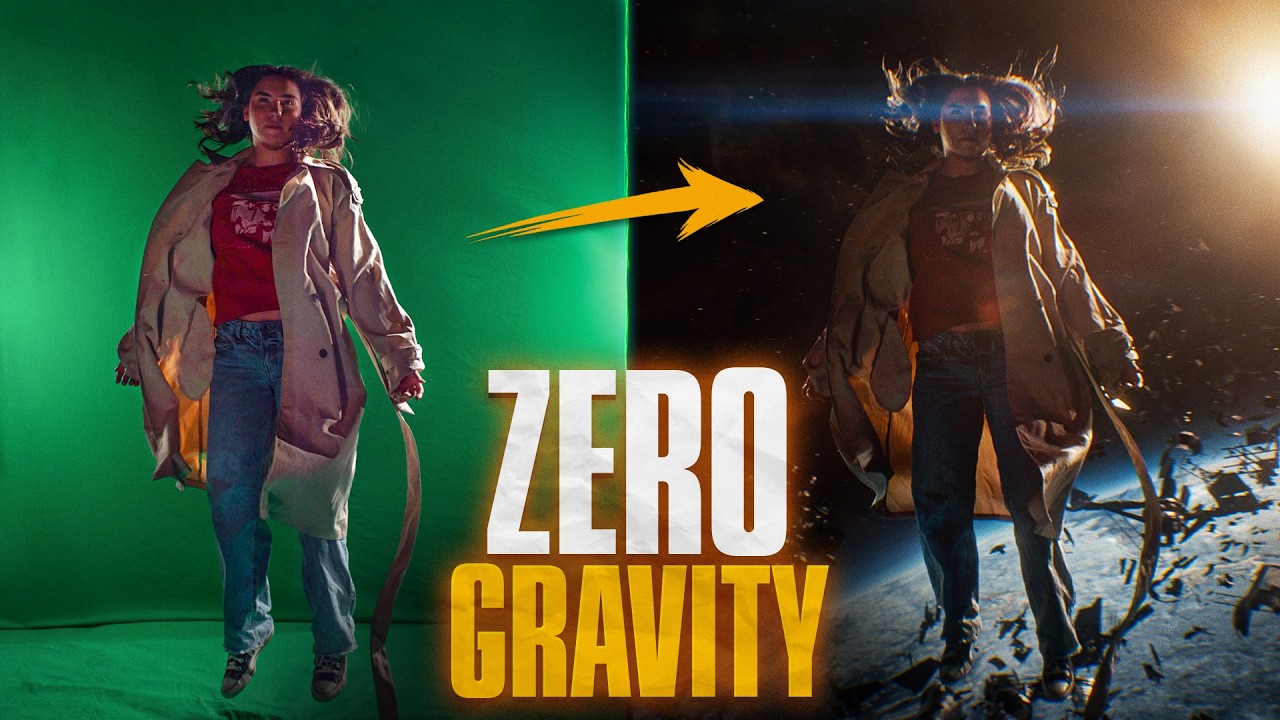
Zero Gravity Space Effect
A video on YouTube. In Photography & Film, a Krater category.
Watch on YouTubeSummary by Krater
The creator demonstrates how to composite a zero-gravity space shot in Adobe After Effects, using green screen footage, 3D space layers, particle destruction effects, lens flares, and automated sound design with Krotos Studio.
From the video
Answers: How do you composite a zero gravity space shot in After Effects?
- Zero gravity visual effects in After Effects
- Green screen keying and rotoscoping
- 3D space compositing and camera animation
- Adding space destruction debris
- Lens flare plugins and color grading
- Automated sound design with Krotos Studio
What it concludes
- Krotos Studio provides a strong starting point for syncing sound effects to picture and can be easily customized in post.
- Using multiple lens flares at various layer opacities creates a rich, customized final look for space composites.
Rate it, review it and add it to your lists in Krater.
Titles and thumbnails from YouTube. Krater isn't affiliated with, endorsed by or sponsored by YouTube or Google.