 Krater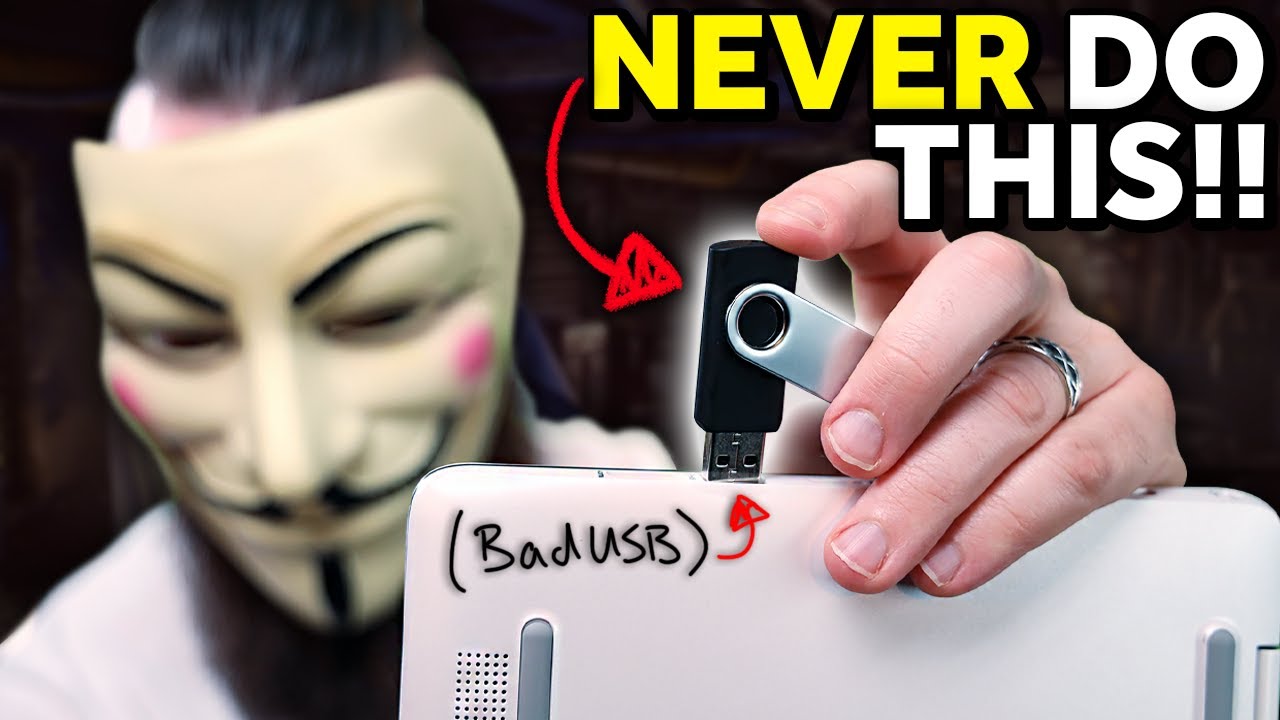
bad USBs are SCARY!! (build one with a Raspberry Pi Pico for $8)
A video on YouTube. In Tech, a Krater category.
Watch on YouTubeSummary by Krater
The video demonstrates how to use a Raspberry Pi Pico as a bad USB device by installing CircuitPython and custom ducky scripts, and provides methods to defend against such attacks.
From the video
Answers: How do bad USB devices work and how can I build one with a Raspberry Pi Pico?
- Bad USB attack demonstration
- Raspberry Pi Pico setup as a rubber ducky
- CircuitPython installation on Raspberry Pi Pico
- Converting DuckyScript to Python
- Defending against bad USB attacks in Windows
What it concludes
- A Raspberry Pi Pico can be programmed to act as a human interface device (HID) and execute DuckyScript payloads like a commercial USB Rubber Ducky.
- Bad USB devices are dangerous because operating systems trust HID devices by default and execute scripts much faster than human typing speeds.
- Preventive measures against bad USB attacks include disabling prompt-free administrator access, restricting USB ports, and avoiding unknown USB drives.
Rate it, review it and add it to your lists in Krater.
Titles and thumbnails from YouTube. Krater isn't affiliated with, endorsed by or sponsored by YouTube or Google.