 Krater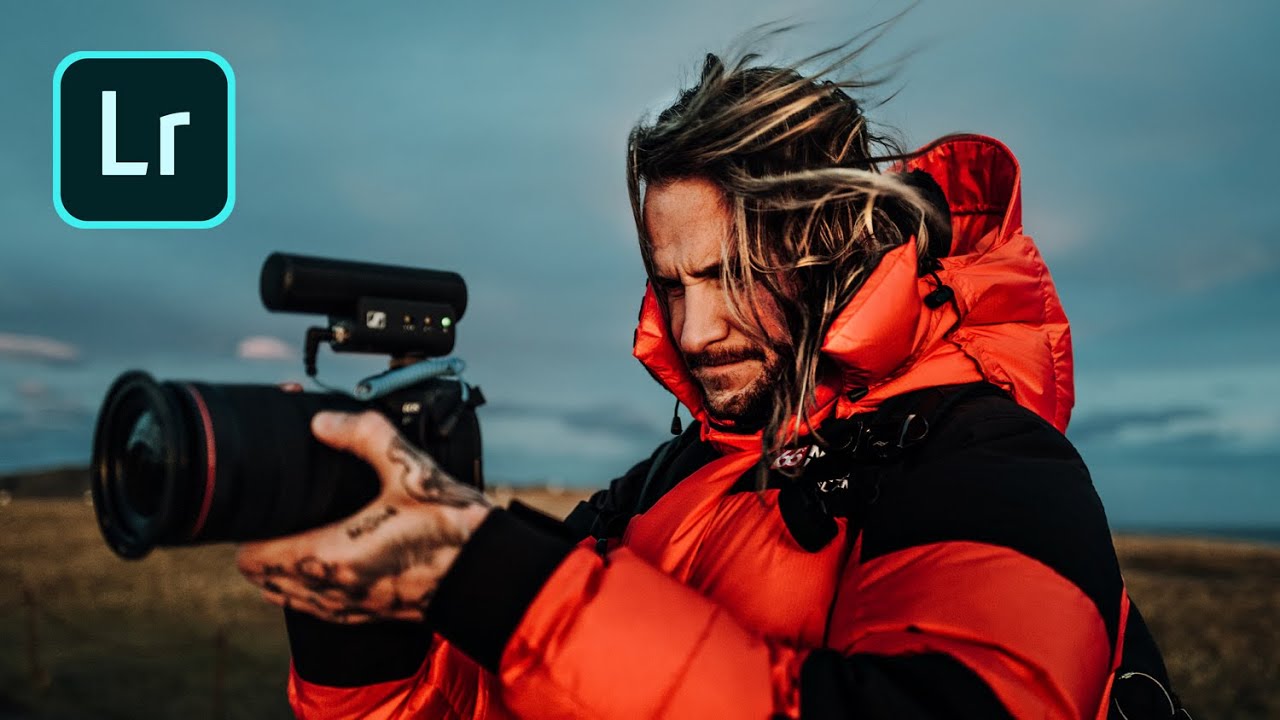
basics to BANGERS (Lightroom Magic!)
A video on YouTube. In Photography & Film, a Krater category.
Watch on YouTubeSummary by Krater
The creator discusses landscape photography in Iceland and demonstrates how Benjamin Hardman edits photos in Lightroom using radial and linear gradients and multiple masks to reshape light.
From the video
Answers: How do you reshape light in Lightroom using multiple masks?
- landscape photography
- photo editing in Lightroom
- using radial and linear gradients
- using multiple masks in Lightroom
- reshaping light in photos
What it concludes
- Using multiple subtle masks to guide light on mountains creates a soft yet impactful difference on the image.
- The color range tool in Lightroom allows precise masking of specific elements like grass and sky in a photo.
Rate it, review it and add it to your lists in Krater.
Titles and thumbnails from YouTube. Krater isn't affiliated with, endorsed by or sponsored by YouTube or Google.