 Krater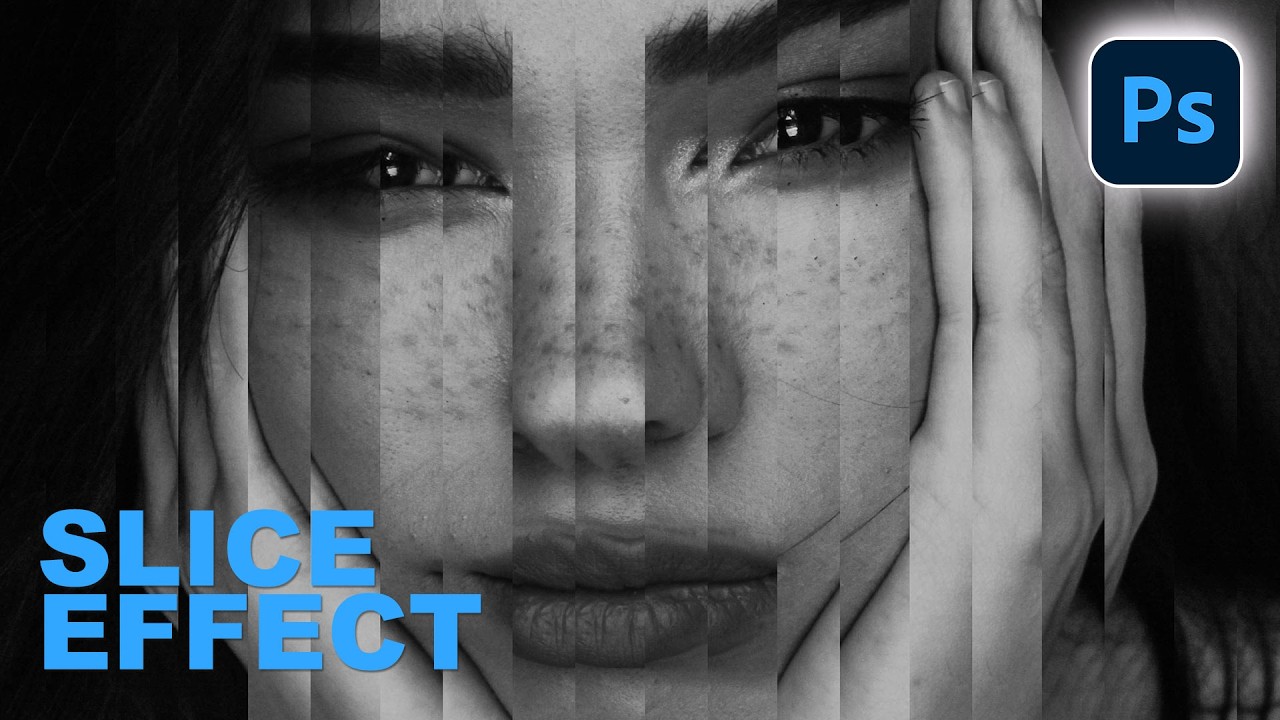
How to Create a Portrait Slice Effect in Photoshop
A video on YouTube. In Photography & Film, a Krater category.
Watch on YouTubeSummary by Krater
This tutorial demonstrates how to create a custom slice effect in Adobe Photoshop using vertical selection bars and layer masks without any AI or plugins. The presenter shows how to adjust bar width, layer linking, and placement for unique image distortions.
From the video
Answers: How do you create a slice effect in Adobe Photoshop?
- slice effect in Adobe Photoshop
- using layer masks for image distortion
- step and repeat technique in Photoshop
- layer linking and unlinking
What it concludes
- A custom slice effect can be created in Adobe Photoshop entirely nondestructively using step-and-repeat vertical bars and layer masks.
- Unlinking the layer mask from the layer allows the user to slide the slice effect behind or in front of the image for different visual results.
- Both thick and thin vertical bars can be applied to horizontal or vertical images to achieve customizable slice distortions.
Rate it, review it and add it to your lists in Krater.
Titles and thumbnails from YouTube. Krater isn't affiliated with, endorsed by or sponsored by YouTube or Google.