 Krater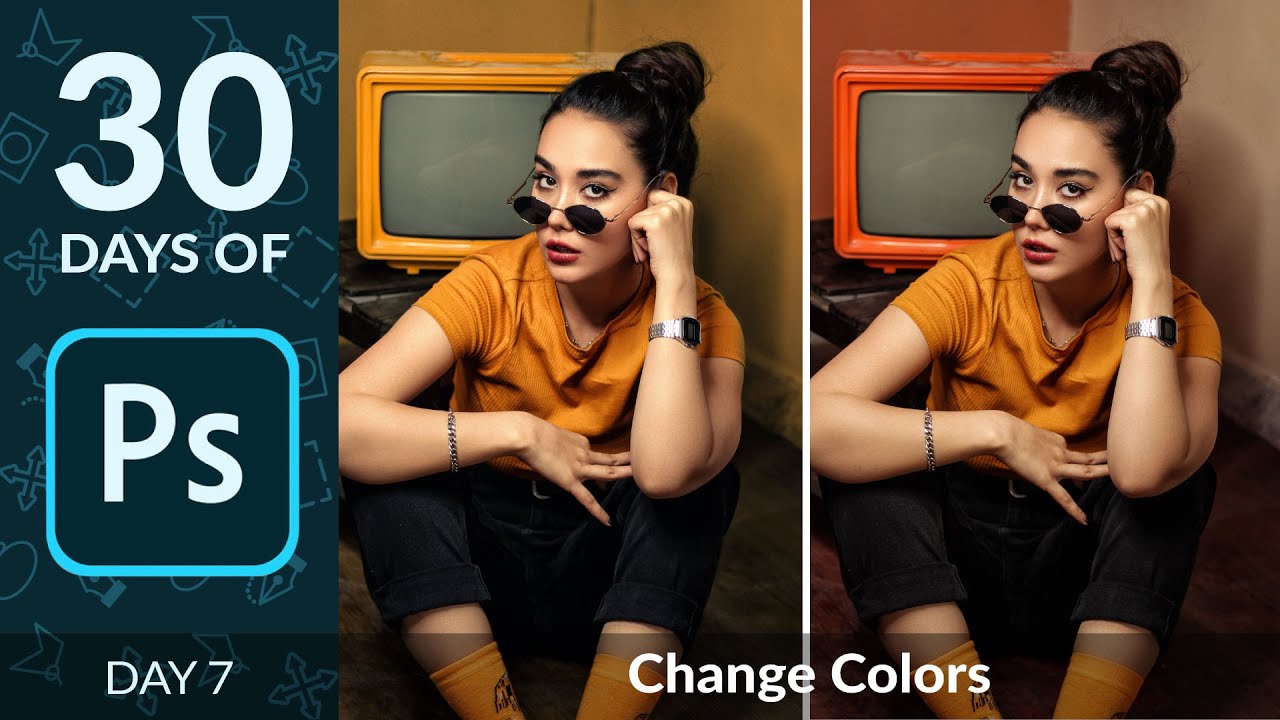
How to Change Any Color with Hue/Saturation in Photoshop | Day 7
A video on YouTube. In Photography & Film, a Krater category.
Watch on YouTubeSummary by Krater
Aaron Nace demonstrates how to change specific colors in an image using Hue/Saturation adjustment layers, colorization, and color balance in Photoshop.
From the video
Answers: How do I change any color in Photoshop using Hue/Saturation and Color Balance?
- Hue/Saturation adjustment layers
- Colorize tool
- Color Balance adjustment layers
- Layer masks for local color adjustment
- Eyedropper tool for color selection
What it concludes
- Hue/Saturation adjustment layers allow you to shift the hue, saturation, and lightness of specific color ranges or the entire image.
- Colorize mode applies a single uniform color across the entire image based on your hue and saturation sliders.
- Eyedropper tools inside Hue/Saturation allow you to precisely sample and target specific colors in an image.
- Layer masks can be used with adjustment layers to paint out color changes on skin or specific subjects to keep them looking natural.
- Color Balance allows you to tone shadows, midtones, and highlights independently for advanced color grading.
Rate it, review it and add it to your lists in Krater.
Titles and thumbnails from YouTube. Krater isn't affiliated with, endorsed by or sponsored by YouTube or Google.