 Krater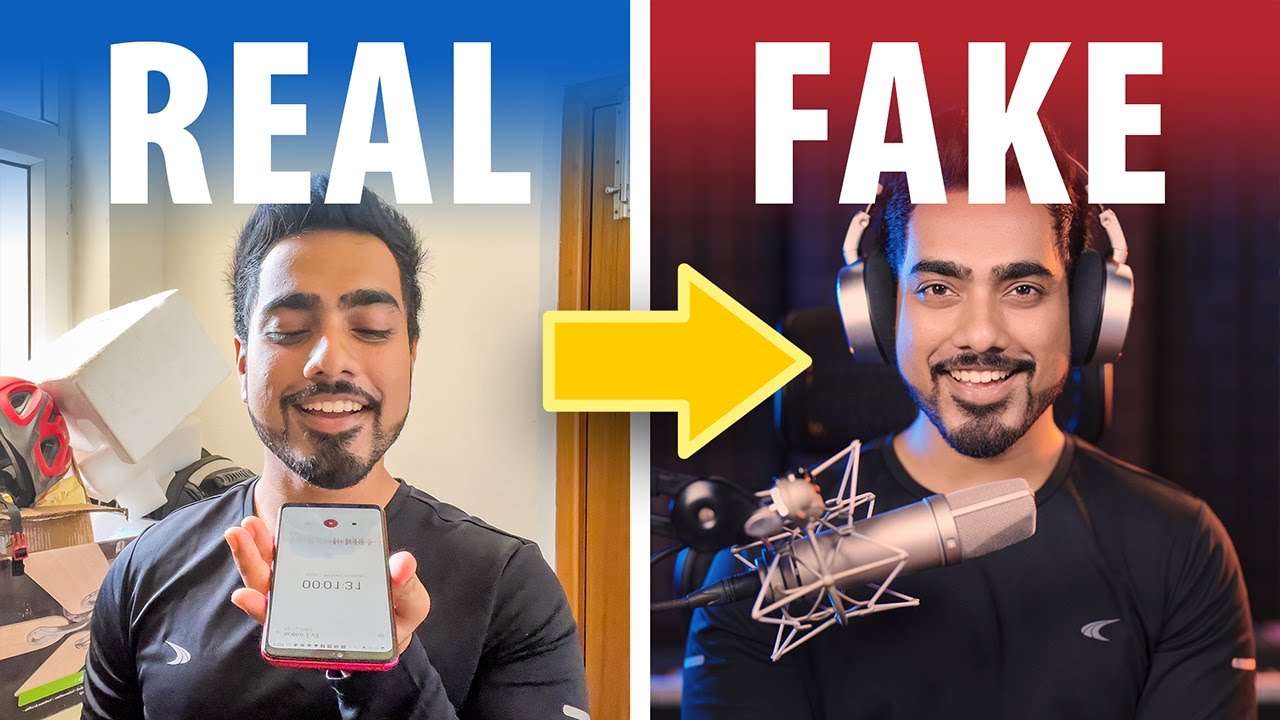
Adobe AI: Make Trash Audio Sound Like Studio Recording!
A video on YouTube. In Photography & Film, a Krater category.
Watch on YouTubeSummary by Krater
The host tests Adobe Podcast Speech Enhancement on poor quality audio recordings, including echoey room acoustics, cheap lapel mics, proximity variations, handling noise, and background construction noise, demonstrating how it removes artifacts and improves clarity.
From the video
Answers: Does Adobe Podcast Speech Enhancement fix poor audio quality?
- Adobe Podcast Speech Enhancement
- Removing room echo from audio
- Cheap microphone test with AI enhancement
- Handling noise removal
- Background noise reduction in Adobe
What it concludes
- Adobe Podcast Speech Enhancement effectively removes room echo, handling noise, and background construction sounds from voice recordings.
- The tool can make cheap or improperly placed microphones sound significantly clearer and more professional.
- While processing cleans up audio artifacts, it can sometimes remove desired high-frequency crispness or introduce slight unnaturalness compared to clean raw input recorded properly in camera.
Rate it, review it and add it to your lists in Krater.
Titles and thumbnails from YouTube. Krater isn't affiliated with, endorsed by or sponsored by YouTube or Google.