 Krater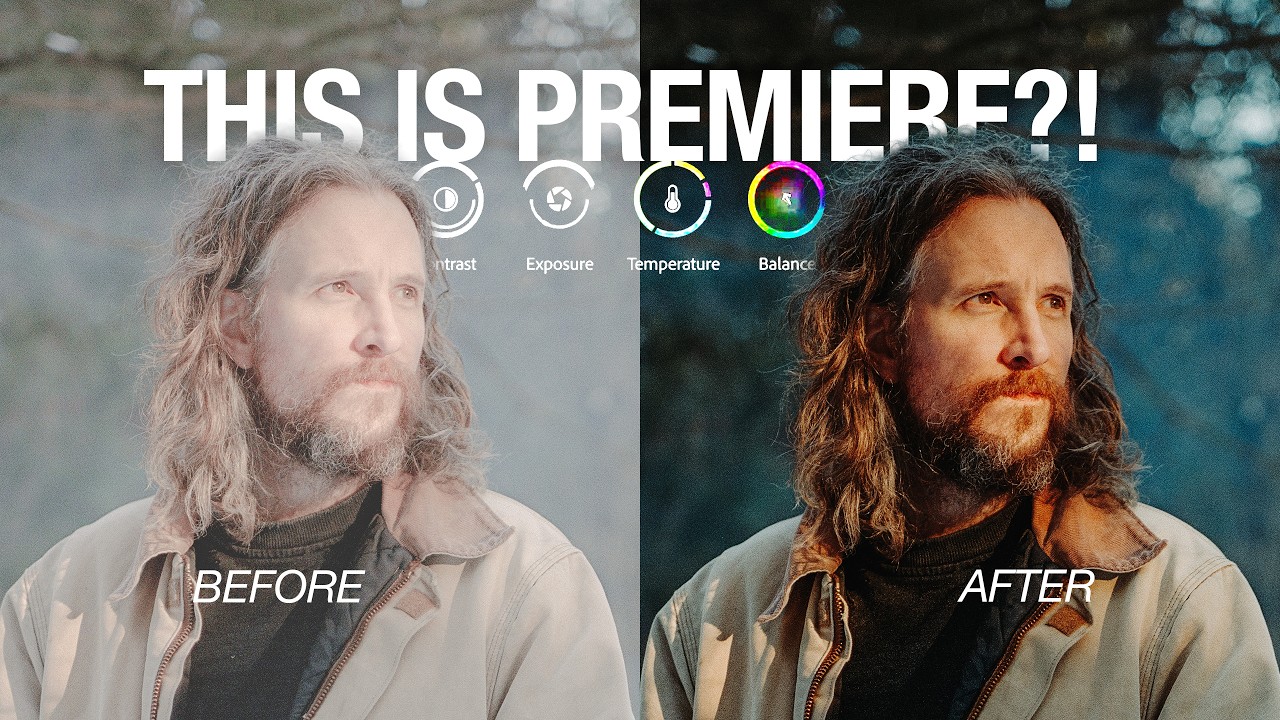
Give me 10 minutes. I’ll change the way you color.
A video on YouTube. In Photography & Film, a Krater category.
Watch on YouTubeSummary by Krater
The creator reviews the new color grading mode and color tab in Premiere Pro, highlighting features like the clip grid, group grading, object mask tracking, and film emulation looks.
From the video
Answers: How does color grading work in the new Premiere Pro update?
- Premiere Pro color mode
- Clip grid color grading
- Group color grading
- Object mask tracking in video
- Film emulation presets
What it concludes
- The new Premiere Pro update introduces a color tab with a clip grid that displays real-time color adjustments across sequences.
- Users can group multiple clips together to apply and adjust base luts and color settings simultaneously without affecting other shots.
- Object mask tracking in Premiere Pro automatically tracks and masks moving objects in a video clip for targeted color grading.
- The style panel allows editors to apply, customize, and save custom color styles and film emulation looks derived from actual film stocks.
Rate it, review it and add it to your lists in Krater.
Titles and thumbnails from YouTube. Krater isn't affiliated with, endorsed by or sponsored by YouTube or Google.