 Krater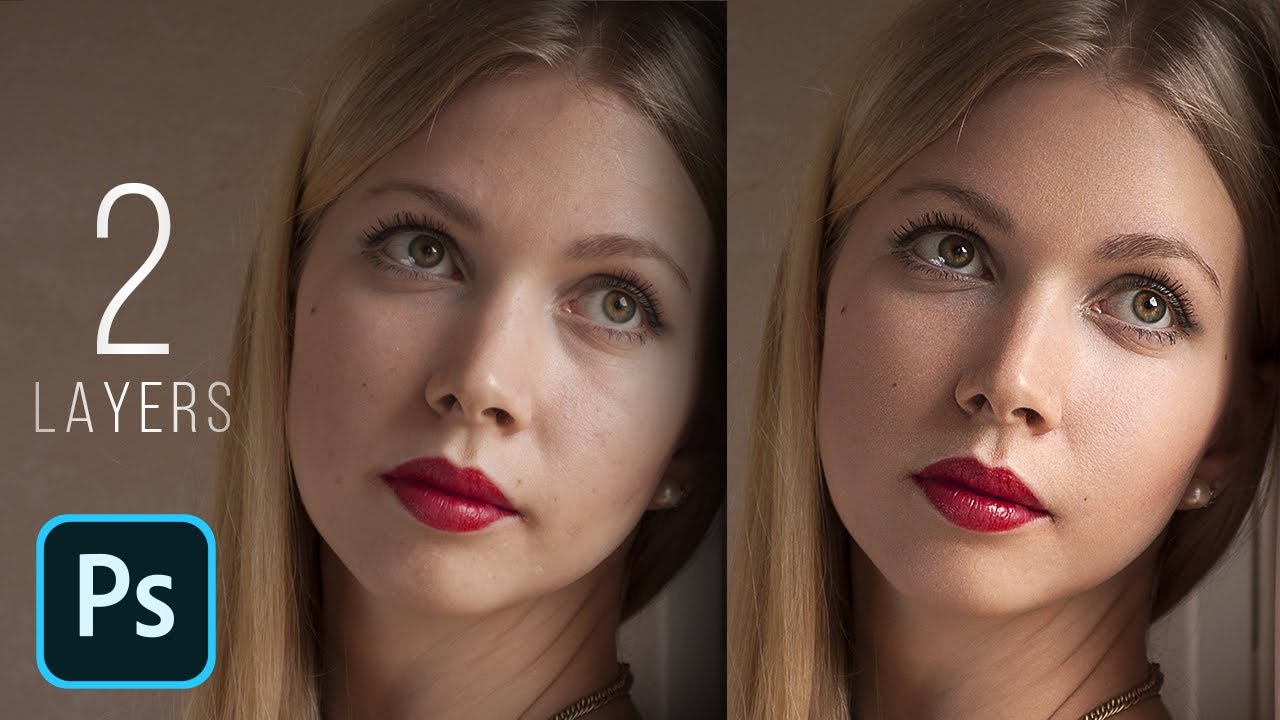
High-End Skin Retouching with Just 2 Layers! - Photoshop Tutorial
A video on YouTube. In Photography & Film, a Krater category.
Watch on YouTubeSummary by Krater
A tutorial on how to perform high-end skin retouching in Photoshop using just two layers: one for removing blemishes and one for dodging and burning.
From the video
Answers: How do you retouch skin in Photoshop using two layers?
- skin retouching in Photoshop
- two-layer skin retouching
- removing skin blemishes
- dodging and burning skin
- maintaining skin texture
What it concludes
- Using just two layers is enough to perform high-end skin retouching in Photoshop.
- Setting the Healing Brush sample source to Current & Below allows non-destructive retouching on a separate layer.
- Keeping the opacity of dodge and burn brush strokes low and building them up gradually helps preserve natural skin texture.
- Rotating the canvas temporarily can help maintain accuracy and overcome brain bias when retouching facial features.
Rate it, review it and add it to your lists in Krater.
Titles and thumbnails from YouTube. Krater isn't affiliated with, endorsed by or sponsored by YouTube or Google.