 Krater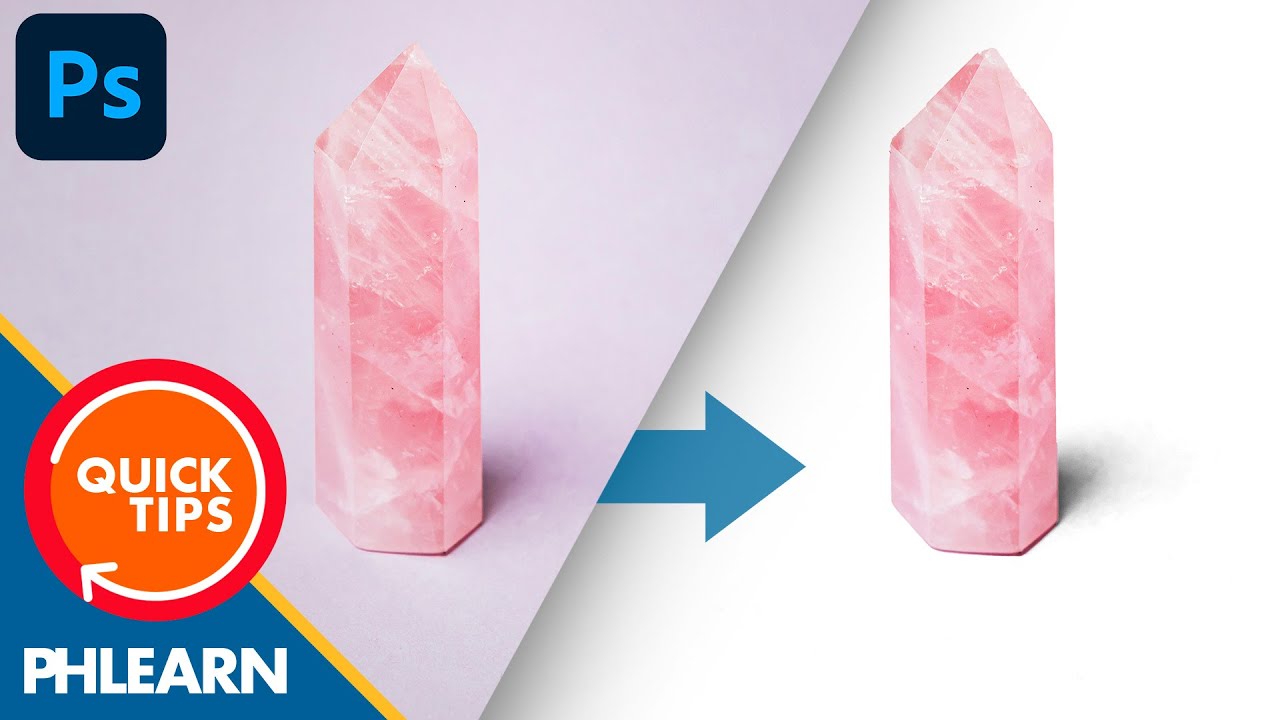
How to Remove Backgrounds & Keep the Shadows in Photoshop | Quick Tips!
A video on YouTube. In Photography & Film, a Krater category.
Watch on YouTubeSummary by Krater
This video demonstrates how to keep object shadows while removing or replacing the background in Adobe Photoshop, using selection masks, blending modes, and adjustments.
From the video
Answers: How do I keep shadows when removing the background in Photoshop?
- Photoshop background removal
- Preserving shadows in Photoshop
- Using Multiply blending mode
- Hue and saturation adjustment
- Levels adjustment layer
What it concludes
- Setting the duplicated subject layer to Multiply blends the shadow back into a white background.
Rate it, review it and add it to your lists in Krater.
Titles and thumbnails from YouTube. Krater isn't affiliated with, endorsed by or sponsored by YouTube or Google.