 Krater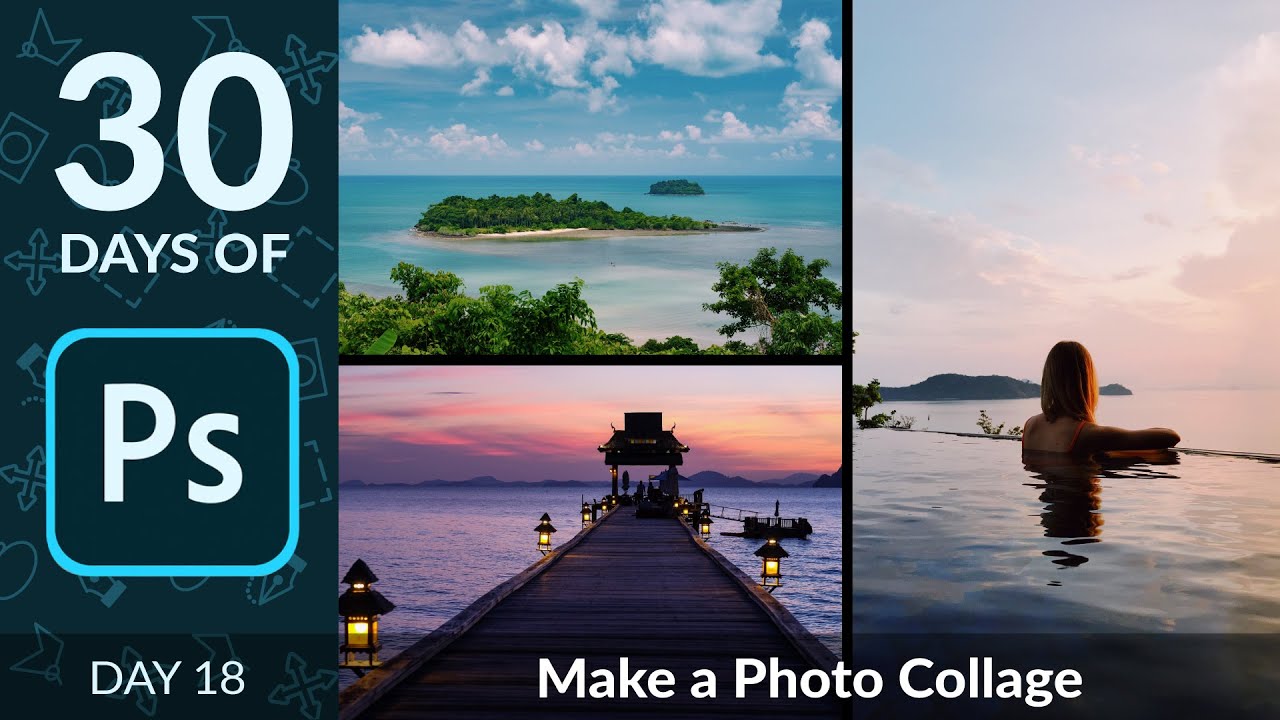
How to Create a Photo Collage in Photoshop | Day 18
A video on YouTube. In Photography & Film, a Krater category.
Watch on YouTubeSummary by Krater
This tutorial explains how to create photo collages in Adobe Photoshop using features like Load Files into Stack, Smart Objects, and Clipping Masks to maintain image resolution and easily swap images between grid cells.
From the video
Answers: How do I make a photo collage in Photoshop?
- Photo collage creation in Photoshop
- Loading files into a stack
- Using smart objects to preserve resolution
- Creating clipping masks for grids
- Adjusting aspect ratios and transformations
What it concludes
- Loading multiple files into a stack saves time when creating a collage from multiple documents.
- Converting layers to Smart Objects prevents resolution loss when resizing images.
- Using Clipping Masks allows images to fit automatically into specific grid spaces and makes swapping images easy.
Rate it, review it and add it to your lists in Krater.
Titles and thumbnails from YouTube. Krater isn't affiliated with, endorsed by or sponsored by YouTube or Google.