 Krater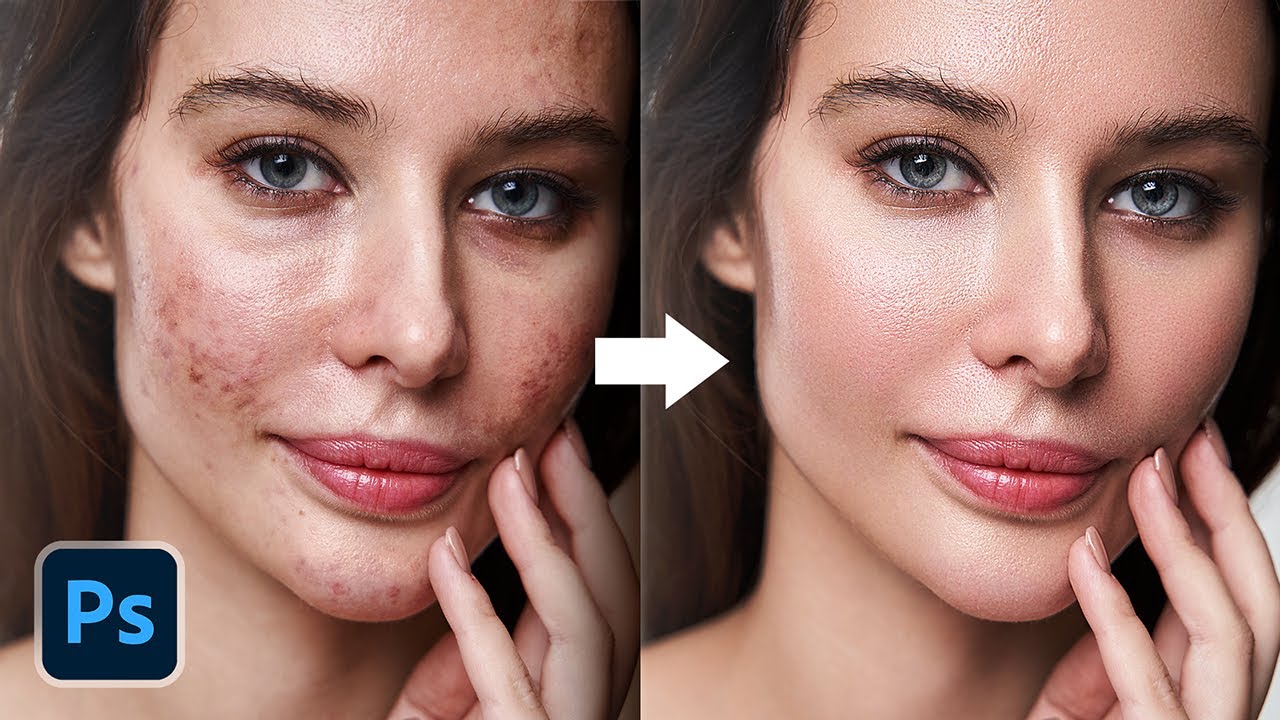
3 Superfast Ways to Auto-Repair Skin + Free Actions! - Photoshop Tutorial
A video on YouTube. In Photography & Film, a Krater category.
Watch on YouTubeSummary by Krater
The video demonstrates three fast techniques to repair skin in Photoshop, covering neural filters, high pass frequency separation, and Retouch4me plugins.
From the video
Answers: How to repair skin fast in Photoshop?
- skin repair in photoshop
- neural filters skin smoothing
- high pass frequency separation
- retouch4me plugins
What it concludes
- Neural Filter Skin Smoothing provides a fast AI-based method to even out skin tones and reduce pores.
- The High Pass and Gaussian Blur blend mode method offers a classic, highly controllable technique for skin texture restoration.
- Retouch4me plugins provide automated, professional-grade skin retouching for blemishes, dodging and burning, and portrait volume.
Rate it, review it and add it to your lists in Krater.
Titles and thumbnails from YouTube. Krater isn't affiliated with, endorsed by or sponsored by YouTube or Google.