 Krater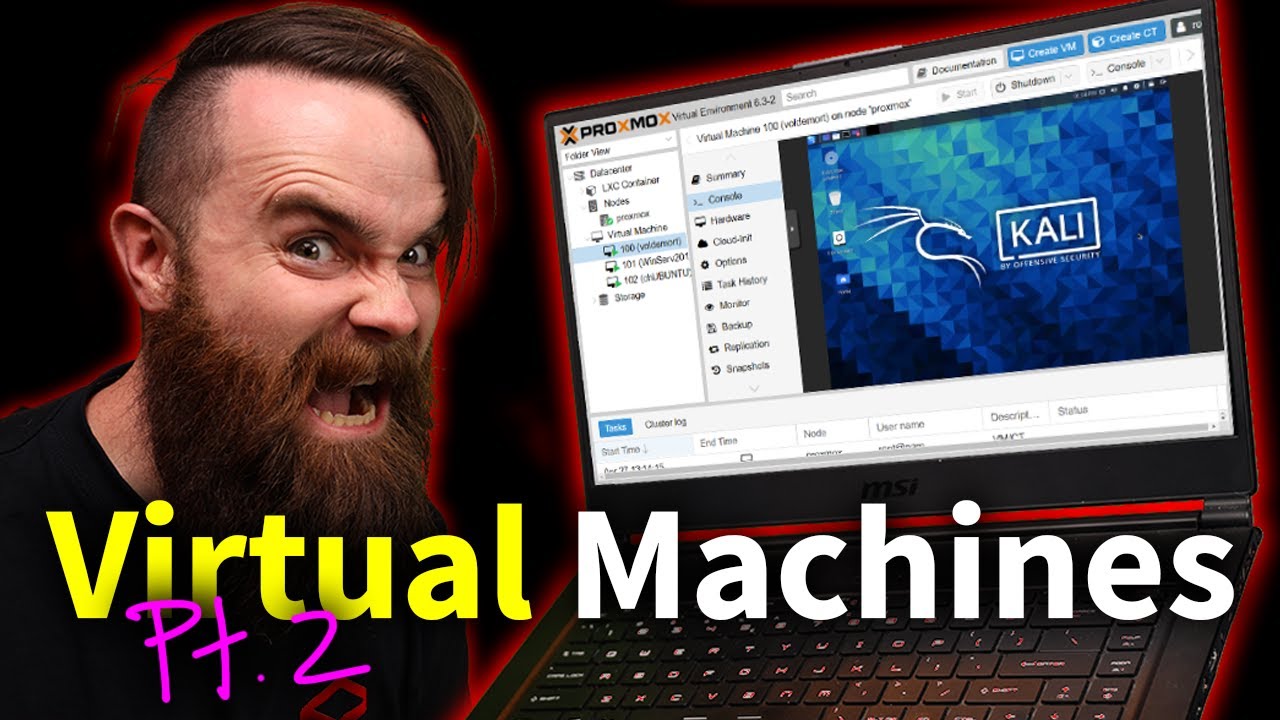
Virtual Machines Pt. 2 (Proxmox install w/ Kali Linux)
A video on YouTube. In Tech, a Krater category.
Watch on YouTubeSummary by Krater
The presenter demonstrates how to install Proxmox VE Type 1 hypervisor onto an old PC using Rufus and a USB flash drive, then creates virtual machines and LXC containers.
From the video
Answers: How do I install Proxmox on an old PC?
- Proxmox VE installation
- Type 1 hypervisor setup
- Rufus bootable USB creation
- Virtual machine creation
- LXC container deployment
- Proxmox storage management
What it concludes
- Proxmox is a Type 1 hypervisor that sits directly on hardware without sharing operating system resources.
- Proxmox VE is free and open-source software.
- Rufus must be set to DD mode rather than ISO mode when writing the Proxmox ISO image to a USB drive.
- Removing the local-lvm storage pool in Proxmox allows all disk space to be allocated to the root directory.
- Configuring logind.conf to ignore handle-lid-switch prevents Proxmox from shutting down when closing a laptop lid.
Rate it, review it and add it to your lists in Krater.
Titles and thumbnails from YouTube. Krater isn't affiliated with, endorsed by or sponsored by YouTube or Google.