 Krater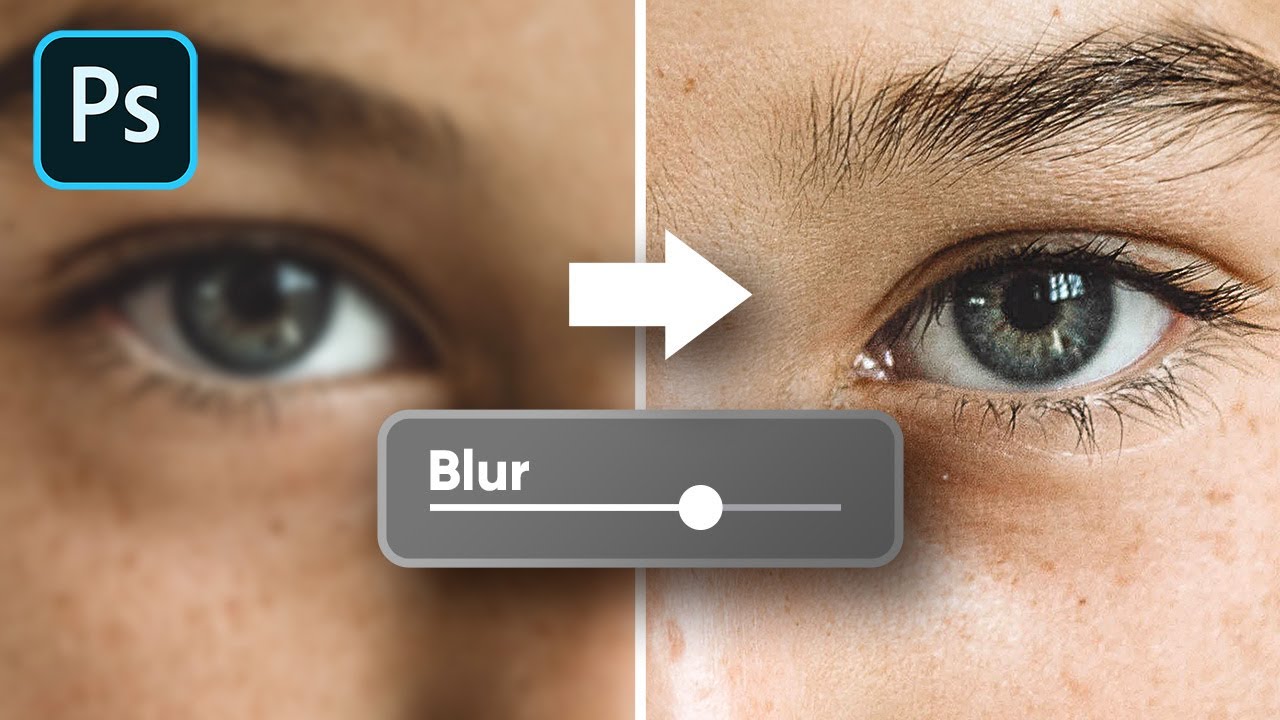
Increase Blur to Sharpen Better? - Photoshop Trick
A video on YouTube. In Photography & Film, a Krater category.
Watch on YouTubeSummary by Krater
This video compares two sharpening techniques in Adobe Photoshop—Vivid Light vs High Pass—demonstrating how Vivid Light retains finer details without ignoring certain areas, unlike High Pass.
From the video
Answers: How do you sharpen images using the Vivid Light method in Photoshop compared to High Pass?
- Vivid Light sharpening technique
- High Pass sharpening technique
- Adobe Photoshop layer blend modes
- Gaussian Blur in Photoshop
What it concludes
- Vivid Light sharpening retains internal details that High Pass sometimes ignores.
- Vivid Light provides a more natural result compared to High Pass in certain detailed areas.
Rate it, review it and add it to your lists in Krater.
Titles and thumbnails from YouTube. Krater isn't affiliated with, endorsed by or sponsored by YouTube or Google.