 Krater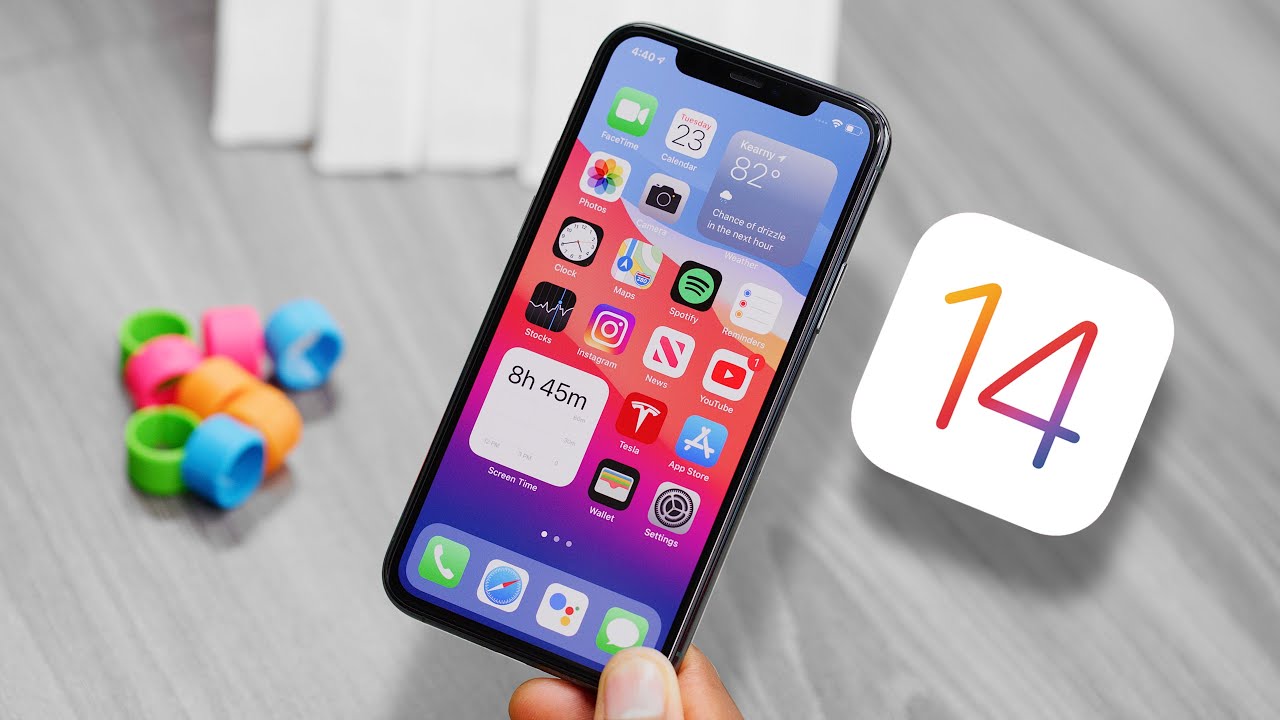
iOS 14 Hands-On: Everything New!
A video on YouTube. In Tech, a Krater category.
Watch on YouTubeSummary by Krater
A first hands-on review of iOS 14 developer beta, covering home screen widgets, App Library, compact UI for calls and FaceTime, Memoji updates, and accessibility back tap shortcuts.
From the video
Answers: What are the new features in iOS 14?
- iOS 14 features
- Home screen widgets
- App Library
- Smart Stack widgets
- Compact UI calls and FaceTime
- Default apps in iOS 14
- Back tap accessibility shortcuts
- Sound recognition accessibility
What it concludes
- iOS 14 widgets are restricted to specific sizes and side placement, unlike Android freedom.
- Default email and browser apps can finally be changed in iOS 14.
- Back tap accessibility settings allow mapping double or triple taps to shortcuts like opening Siri or taking screenshots.
- iOS 14 is compatible with iPhone 6s and newer devices.
Rate it, review it and add it to your lists in Krater.
Titles and thumbnails from YouTube. Krater isn't affiliated with, endorsed by or sponsored by YouTube or Google.