

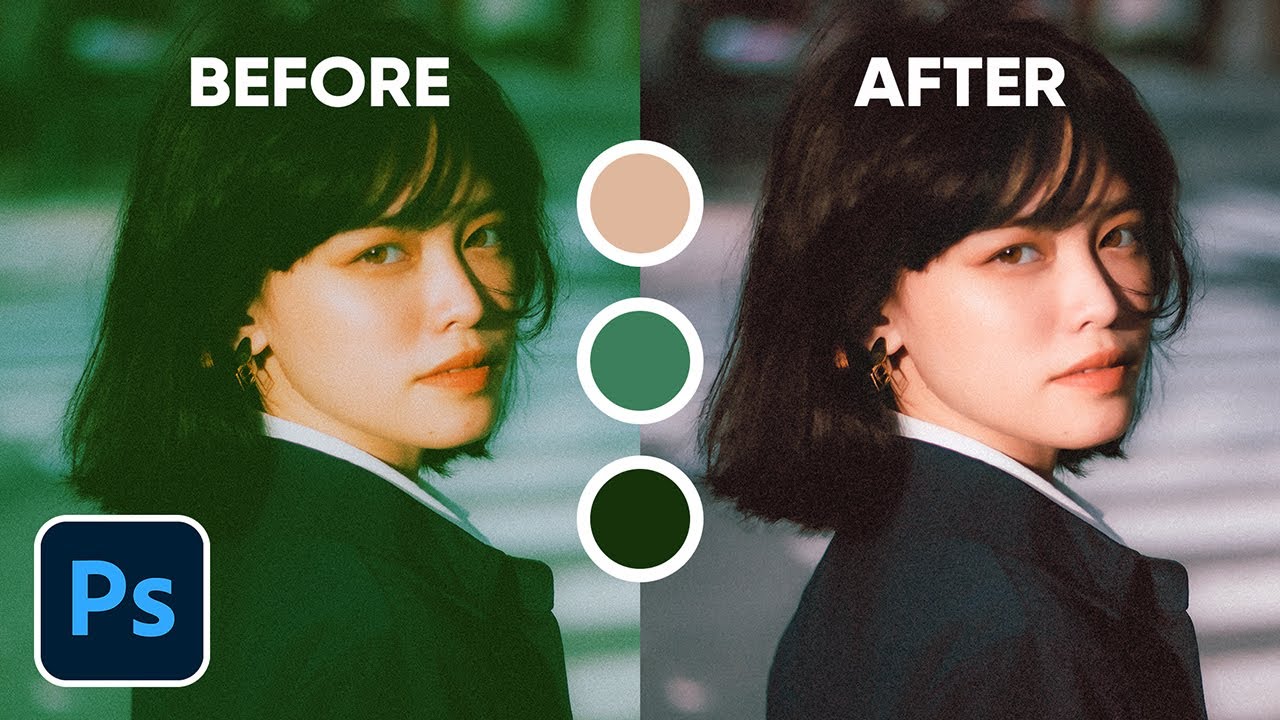
Color Correction with Easy "4-Point" Technique! - Photoshop Tutorial
PiXimperfect on YouTube
A video on YouTube. In Photography & Film, a Krater category.
Watch on YouTubeSummary by Krater
Unmesh Dinda from Piximperfect demonstrates a 3-point color correction technique in Adobe Photoshop using curves adjustment layers, explaining how to manually identify black, white, and neutral grey points and introducing a fourth conceptual point based on real-world logic.
From the video
Answers: How do you do 3-point color correction in Photoshop?
- 3-point color correction in Photoshop
- curves adjustment layer
- finding black, white, and grey points
- difference blend mode for color identification
- automatic color correction options
- hue and saturation adjustment
What it concludes
- The 3-point color correction technique requires finding the brightest point, the darkest point, and neutral grey points using curves adjustment layers.
- The difference blend mode with a neutral grey layer helps identify areas that match neutral grey.
- Automatic color correction in Photoshop can replicate 3-point color correction when 'Snap Neutral Midtones' is checked.
- The fourth point in color correction is your own real-world logic, overriding algorithmic adjustments when the environment dictates a natural color (such as roads not being green).
Seen it? Rate it, review it and add it to your lists.
Title, thumbnail and channel name from YouTube. Krater isn't affiliated with, endorsed by or sponsored by YouTube or Google.