 Krater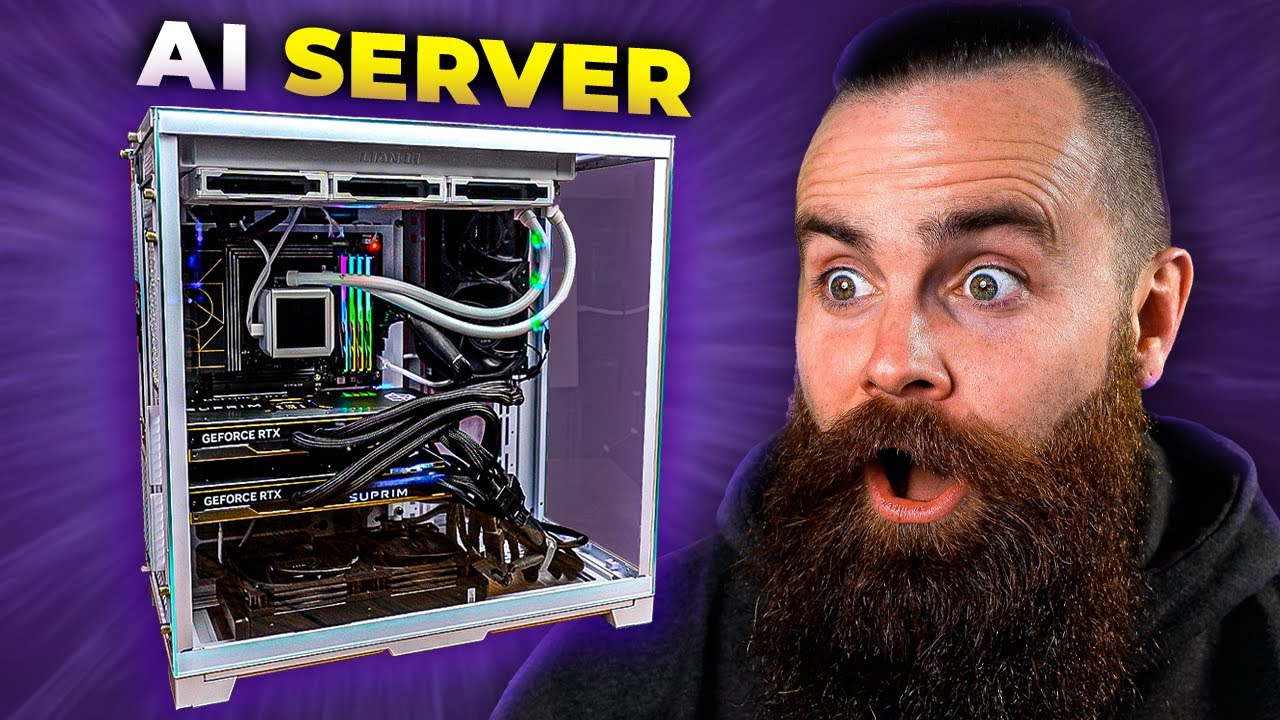
host ALL your AI locally
A video on YouTube. In Tech, a Krater category.
Watch on YouTubeSummary by Krater
The creator demonstrates how to build and configure a local AI server for his daughters using Ollama, Open WebUI, and Stable Diffusion on a custom PC named Terry.
From the video
Answers: How do I build a local AI server for my kids using Ollama and Open WebUI?
- Local AI server setup
- Ollama installation and management
- Open WebUI configuration
- Stable Diffusion local image generation
- Docker container deployment
What it concludes
- Pop!_OS installs successfully with built-in NVIDIA drivers where Ubuntu failed.
- Ollama automatically detects NVIDIA GPUs for local AI execution.
- Open WebUI user management allows administrators to disable chat deletion and whitelist specific models for users.
- Modelfiles in Open WebUI allow you to restrict model behavior and create custom AI assistants for children.
- pyenv simplifies Python version management for installing and running Stable Diffusion with Automatic1111.
Rate it, review it and add it to your lists in Krater.
Titles and thumbnails from YouTube. Krater isn't affiliated with, endorsed by or sponsored by YouTube or Google.