 Krater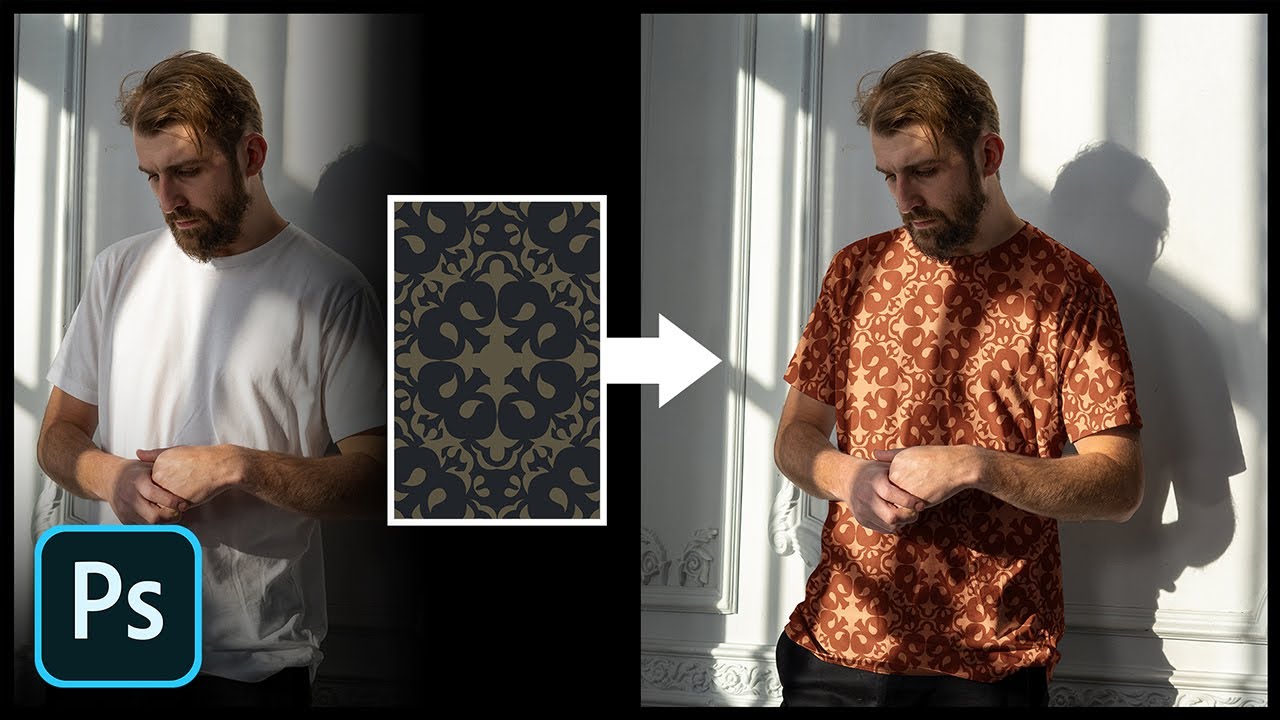
Add Any Pattern to Clothes in Photoshop!
A video on YouTube. In Photography & Film, a Krater category.
Watch on YouTubeSummary by Krater
Unmesh Dinda from PiXimperfect demonstrates how to realistically apply a pattern onto clothing in Adobe Photoshop, using Blend If, smart objects, and Liquify to wrap the pattern around folds and lighting.
From the video
Answers: How do you realistically apply a pattern to a t-shirt in Photoshop?
- Applying patterns to clothing in Photoshop
- Using Blend If to merge highlights and shadows
- Wrapping patterns with Liquify and Warp
- Adding fabric texture with High Pass filter
What it concludes
- Applying the Multiply blend mode darkens highlights on white shirts when adding patterns.
- Using Blend If allows patterns to be blended into highlights while avoiding dark areas.
- Converting pattern layers into smart objects enables non-destructive warping and distorting to match fabric contours.
Rate it, review it and add it to your lists in Krater.
Titles and thumbnails from YouTube. Krater isn't affiliated with, endorsed by or sponsored by YouTube or Google.