 Krater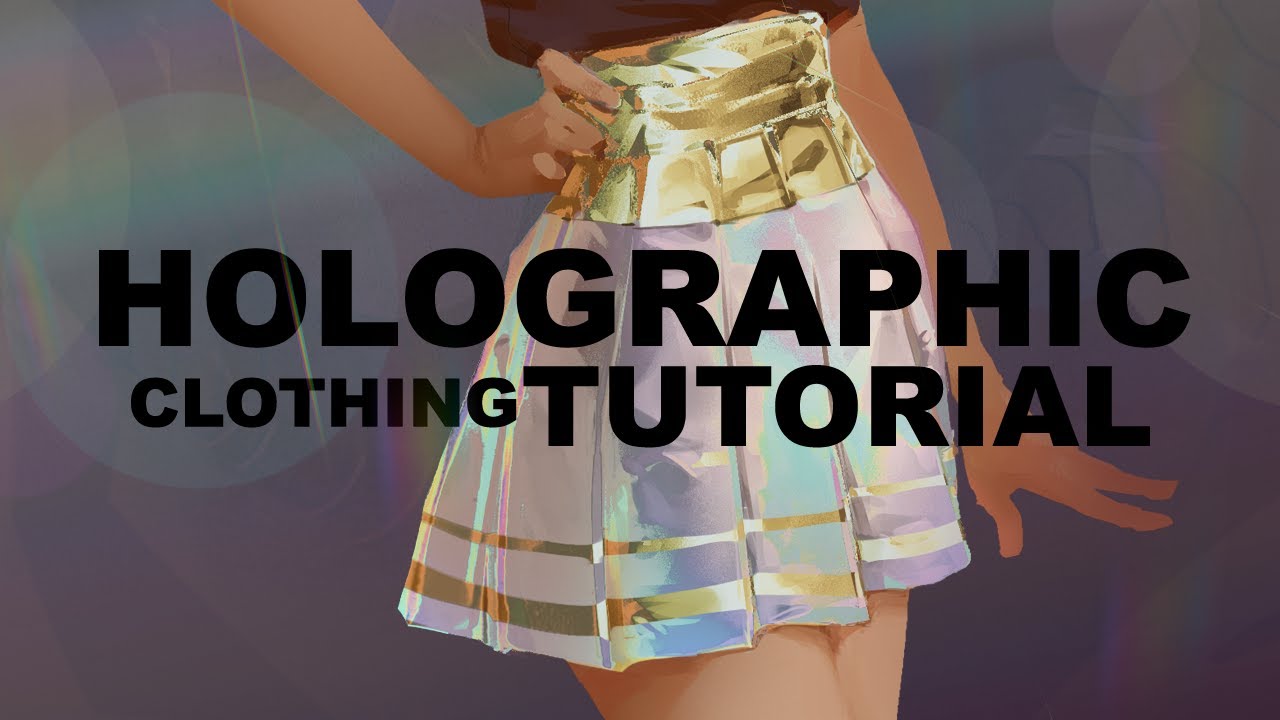
Holographic Clothing Tutorial
A video on YouTube. In Art & Drawing, a Krater category.
Watch on YouTubeSummary by Krater
This video tutorial demonstrates how to use gradient maps and luminosity/hue adjustments in Adobe Photoshop to add holographic and metallic effects to painted clothing and environments without repainting them.
From the video
Answers: How do you create a holographic clothing effect in Photoshop?
- Holographic clothing effect in Photoshop
- Gradient map coloring technique
- Luminosity and hue layer adjustments
- Metallic material rendering
- Digital painting texturing
What it concludes
- Applying custom gradient maps combined with luminosity and hue layer adjustments can transform flat-colored digital paintings into holographic or metallic surfaces without extra painting.
- Adjusting values in highlight and shadow areas separately with targeted gradient maps allows for more controllable and realistic holographic and metallic effects.
- Using simple non-reflective lighting for base renders combined with gradient maps eliminates the need for complex metal rendering.
Rate it, review it and add it to your lists in Krater.
Titles and thumbnails from YouTube. Krater isn't affiliated with, endorsed by or sponsored by YouTube or Google.