 Krater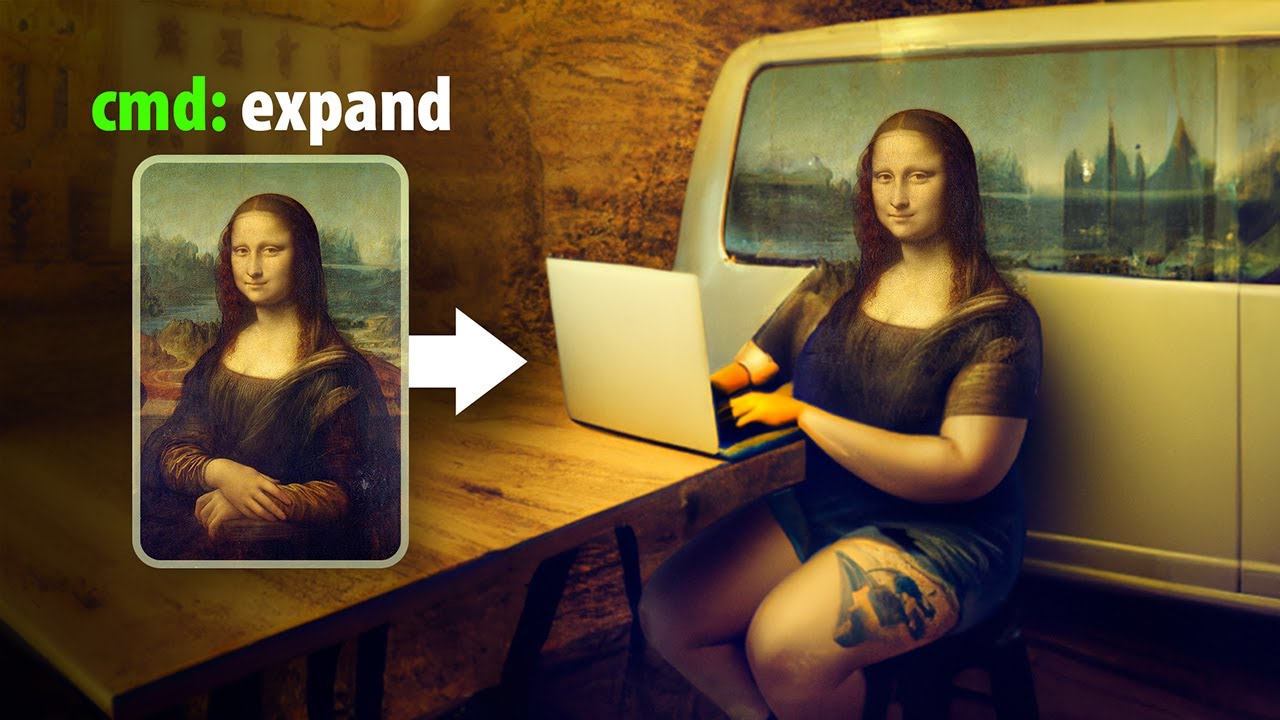
When A.I. Edits Your Photos...
A video on YouTube. In Photography & Film, a Krater category.
Watch on YouTubeSummary by Krater
The video demonstrates how to use DALL-E 2 for photo editing tasks such as expanding canvases, inpainting, compositing, creating variations, and refocusing images.
From the video
Answers: How to edit and manipulate photos using DALL-E 2?
- AI image generation
- Inpainting
- Outpainting
- Image compositing
- Image variations
- Refocusing photos
What it concludes
- DALL-E 2 allows you to expand canvases and fill in missing areas using AI generation.
- DALL-E 2 can successfully generate variations of uploaded images and artwork styles.
- DALL-E 2 currently does not allow uploading photos of realistic human faces.
- Every DALL-E 2 request costs one credit regardless of whether the output is saved or downloaded.
Rate it, review it and add it to your lists in Krater.
Titles and thumbnails from YouTube. Krater isn't affiliated with, endorsed by or sponsored by YouTube or Google.