 Krater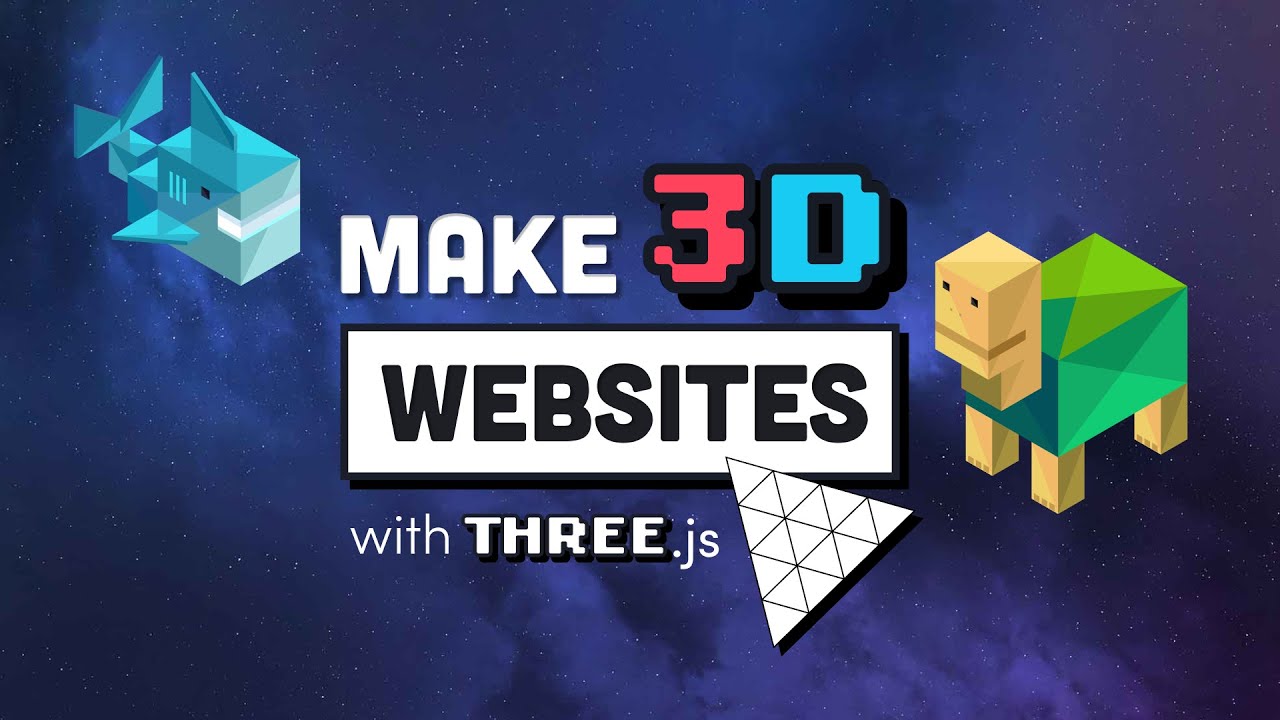
Build a Mindblowing 3D Portfolio Website // Three.js Beginner’s Tutorial
A video on YouTube. In Tech, a Krater category.
Watch on YouTubeSummary by Krater
This video tutorial demonstrates how to build a 3D animated portfolio website using JavaScript, Three.js, HTML, and CSS. It covers setting up a scene, camera, and renderer, adding geometries and materials, applying textures and normal maps, and creating scroll-driven animations with camera movement.
From the video
Answers: How do I build a 3D animated website using Three.js and JavaScript?
- Three.js 3D web development
- WebGL graphics in JavaScript
- CSS Grid layout for web design
- Scroll-driven animations
- Texture mapping and normal maps
What it concludes
- Three.js is a library for drawing 3D graphics in the browser with JavaScript and WebGL.
- Three.js requires a scene, a camera, and a renderer to display 3D graphics.
- OrbitControls allows users to move around the Three.js scene using the mouse.
- Texture mapping wraps a 2D image around a 3D geometry.
- A normal map adds the illusion of depth and bumps to a 3D object without increasing geometry complexity.
Rate it, review it and add it to your lists in Krater.
Titles and thumbnails from YouTube. Krater isn't affiliated with, endorsed by or sponsored by YouTube or Google.