 Krater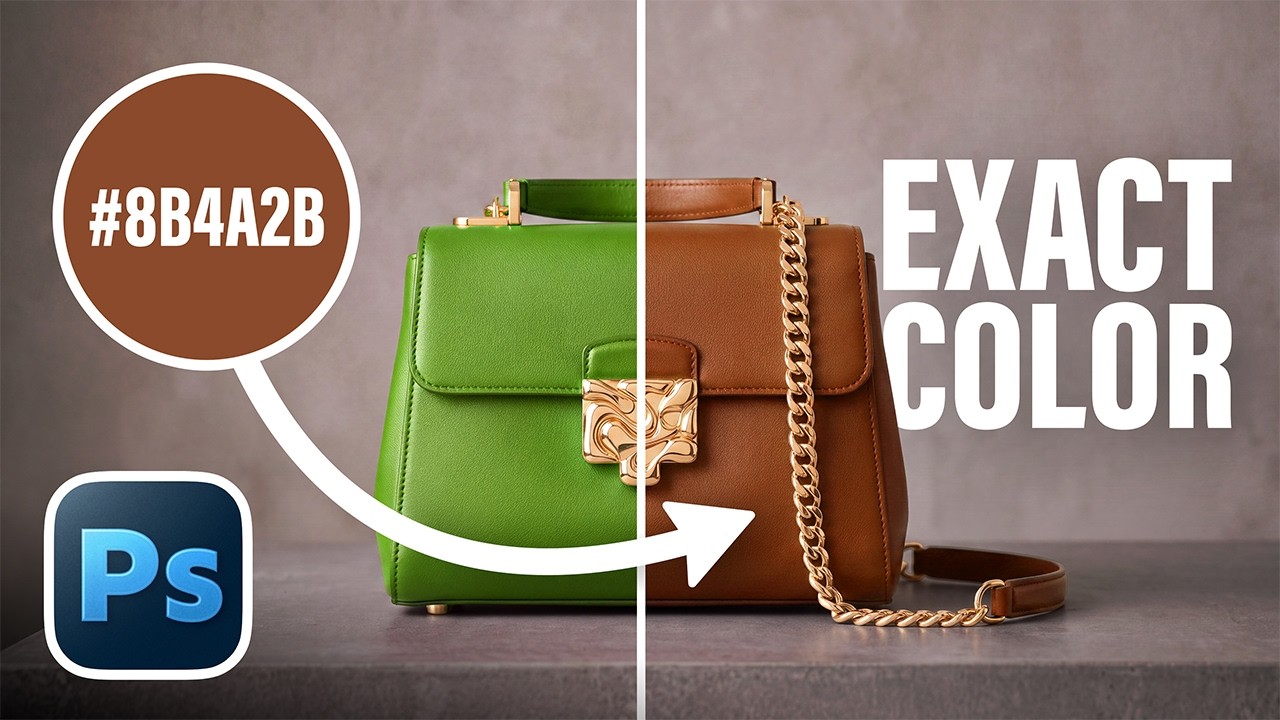
2 Ways to Apply EXACT Color Perfectly in Photoshop!
A video on YouTube. In Photography & Film, a Krater category.
Watch on YouTubeSummary by Krater
This video demonstrates how to change the color of an object in Adobe Photoshop to a specific hex code using either the Hue/Saturation adjustment layer or Curves matching method.
From the video
Answers: How to change the color of an object to a specific hex code in Photoshop?
- color replacement in Adobe Photoshop
- Hue/Saturation adjustment layer
- Curves color matching technique
- sampling average color with lasso tool
What it concludes
- Hue/Saturation is best used when there is not a lot of color variation in highlights and shadows.
- Curves matching allows you to match colors to the dot and is best used when you don't have much color on that object.
Rate it, review it and add it to your lists in Krater.
Titles and thumbnails from YouTube. Krater isn't affiliated with, endorsed by or sponsored by YouTube or Google.