 Krater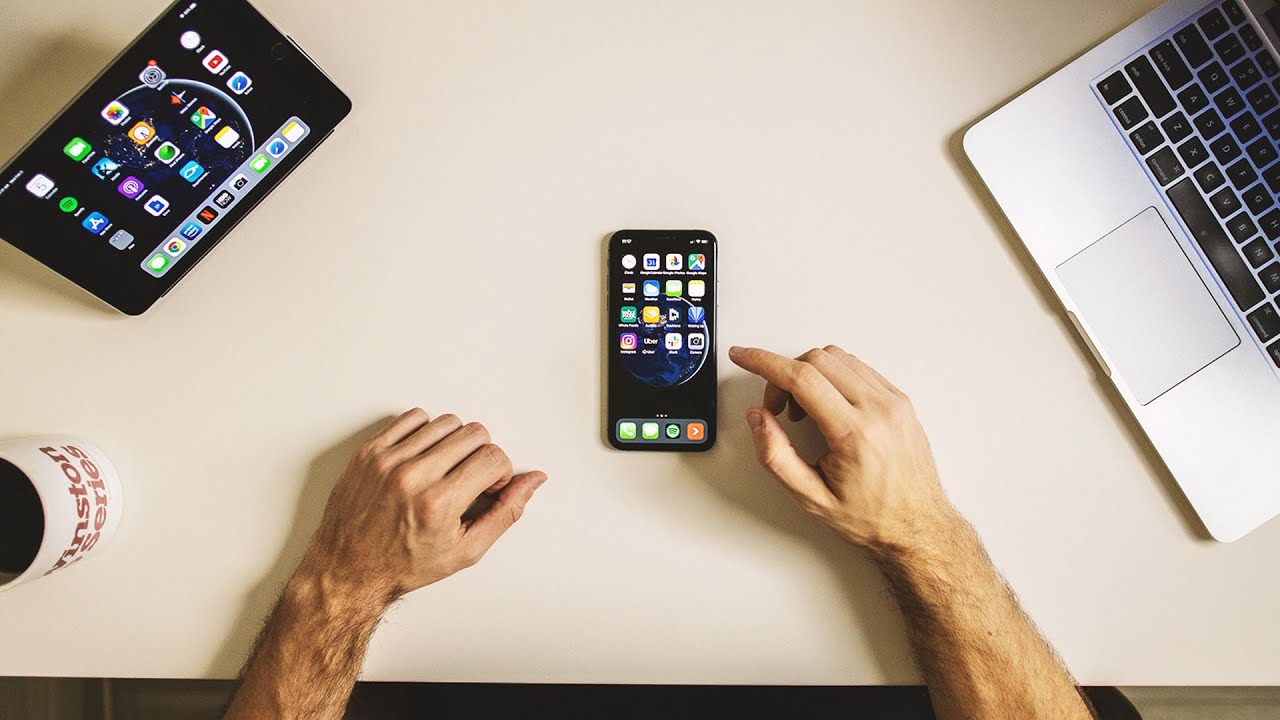
My Guide to Digital Minimalism
A video on YouTube. In Self-Improvement, a Krater category.
Watch on YouTubeSummary by Krater
The creator shares his digital minimalism setup and workflow for 2020, explaining how he organizes his computer files, devices, messaging apps, and cloud storage to reduce distractions and stay productive.
From the video
Answers: How can I organize my digital life and stop digital clutter?
- digital minimalism
- desktop organization
- cloud storage management
- notification settings
- note taking and task management apps
What it concludes
- Using desktop stacks on macOS helps combine screenshots, images, and PDFs into clean desktop folders.
- Disabling notifications for messaging and communication apps prevents constant interruptions during deep work.
- Consolidating cloud storage into Google Drive and syncing desktop folders ensures files are accessible and up to date across all devices.
- Using Apple Notes and To-Do apps helps keep video ideas, task lists, and daily schedules organized and filtered.
- Backing up physical storage to a reliable solid-state drive every six months provides peace of mind and prevents data loss.
Rate it, review it and add it to your lists in Krater.
Titles and thumbnails from YouTube. Krater isn't affiliated with, endorsed by or sponsored by YouTube or Google.