 Krater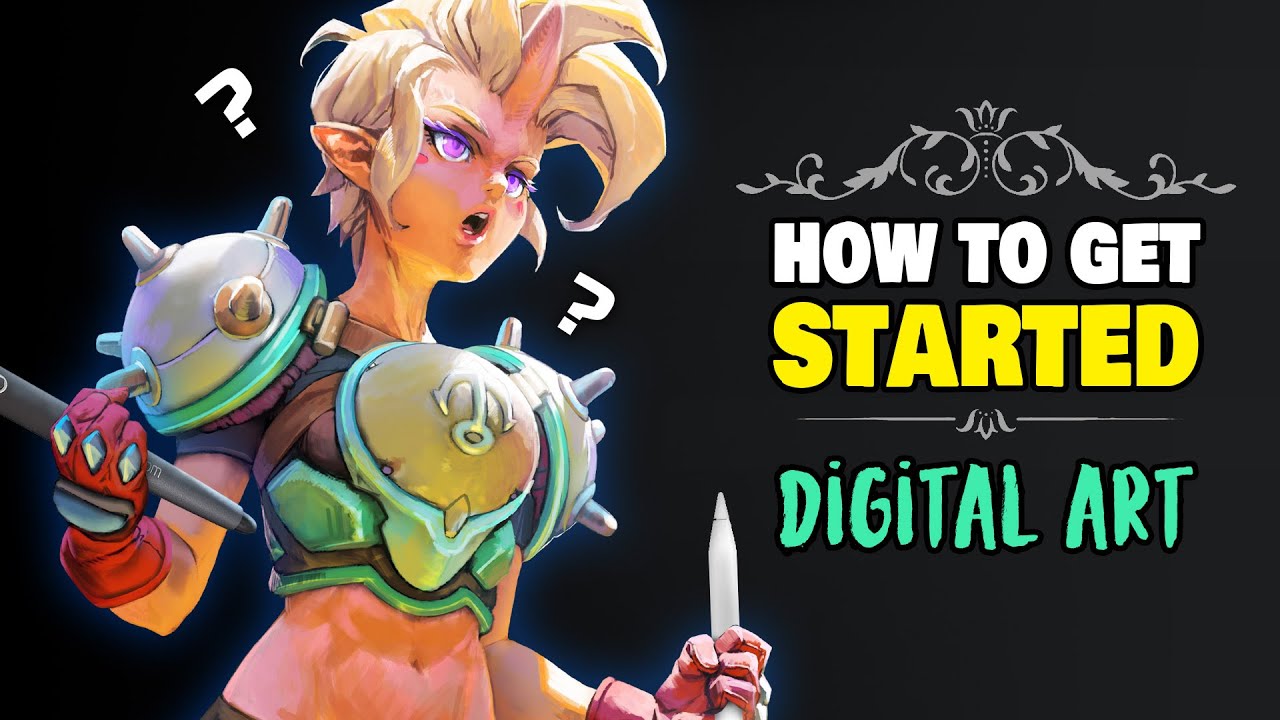
THE BEGINNER'S GUIDE TO DIGITAL ART (from an art teacher)
A video on YouTube. In Art & Drawing, a Krater category.
Watch on YouTubeSummary by Krater
A comprehensive beginner's guide to digital art, covering hardware like Wacom drawing tablets, painting software such as Krita, Autodesk SketchBook, Clip Studio Paint, Procreate, and Adobe Photoshop, and essential techniques and exercises for using drawing tablets.
From the video
Answers: What tablet, software, and setup do I need to start digital art as a beginner?
- digital art for beginners
- pen tablets and pen display tablets
- free and paid painting software
- tablet setup and driver installation
- monitor calibration and Windows Ink settings
- pen pressure and brush stroke control
- drawing exercises for dexterity
- using layers and blending modes in Photoshop
- custom brushes in Adobe Photoshop
What it concludes
- Cheap pen tablets like the Wacom Draw provide good value and are much better than drawing with a mouse.
- Display tablets like the Wacom One act as a second monitor and remove the disconnect between hand and eye.
- Free painting software like Krita, MediBang Paint Pro, and Autodesk SketchBook have no paywalls and are ideal for beginners.
- Clip Studio Paint and Procreate offer complete toolsets at a relatively low, one-time purchase price.
- Disabling Windows Ink in tablet settings can resolve interference issues with pen pressure and tablet functionality.
- Soft brushes are recommended for shading, while hard brushes should be avoided to prevent harsh, unblended brush strokes.
Rate it, review it and add it to your lists in Krater.
Titles and thumbnails from YouTube. Krater isn't affiliated with, endorsed by or sponsored by YouTube or Google.