 Krater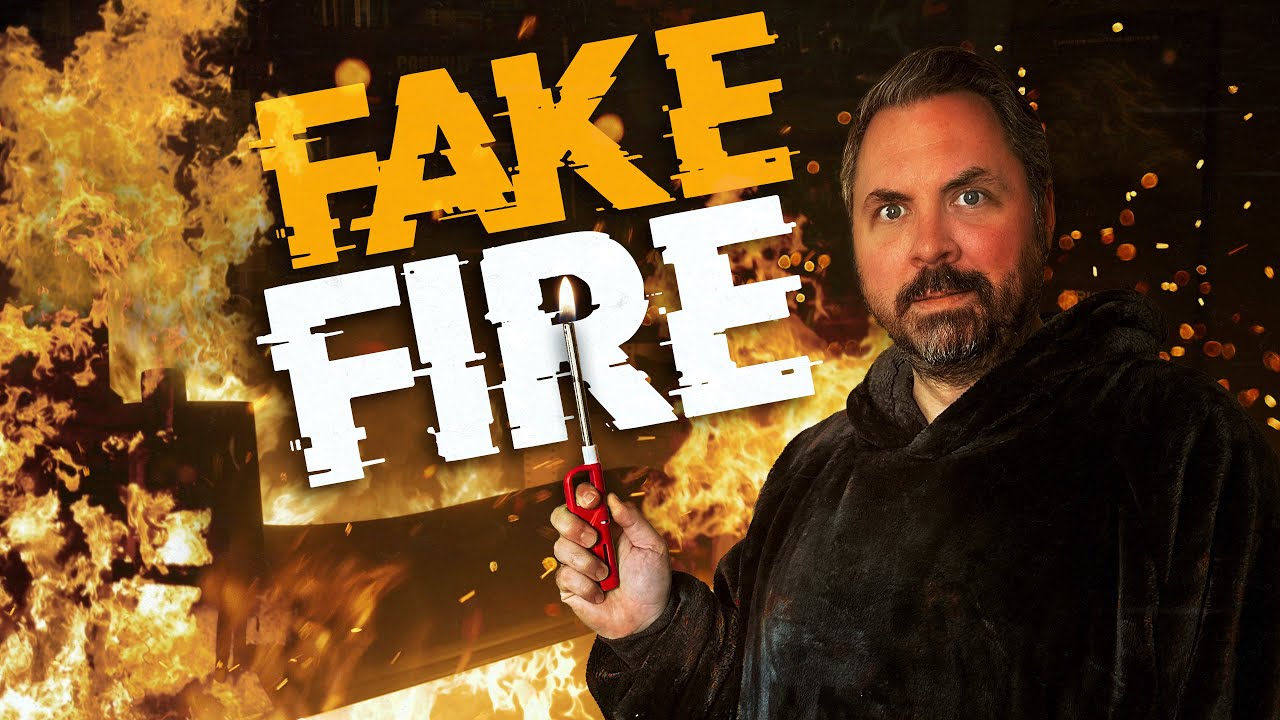
Making Realistic Fire with VFX
A video on YouTube. In Photography & Film, a Krater category.
Watch on YouTubeSummary by Krater
The creator demonstrates how to composite stock digital fire effects into an office scene using Adobe After Effects, covering 3D camera tracking, lighting, smoke, masks, reflections, and glow effects to achieve a realistic look.
From the video
Answers: How do you composite digital fire effects into a scene in After Effects?
- Digital fire compositing
- 3D camera tracking in After Effects
- Adding smoke and lighting effects
- Creating realistic reflections and glows
What it concludes
- Getting as much in-camera practical fire as possible makes digital elements look more grounded.
- Using multiple passes with different smoke densities and blending modes improves realism.
Rate it, review it and add it to your lists in Krater.
Titles and thumbnails from YouTube. Krater isn't affiliated with, endorsed by or sponsored by YouTube or Google.