 Krater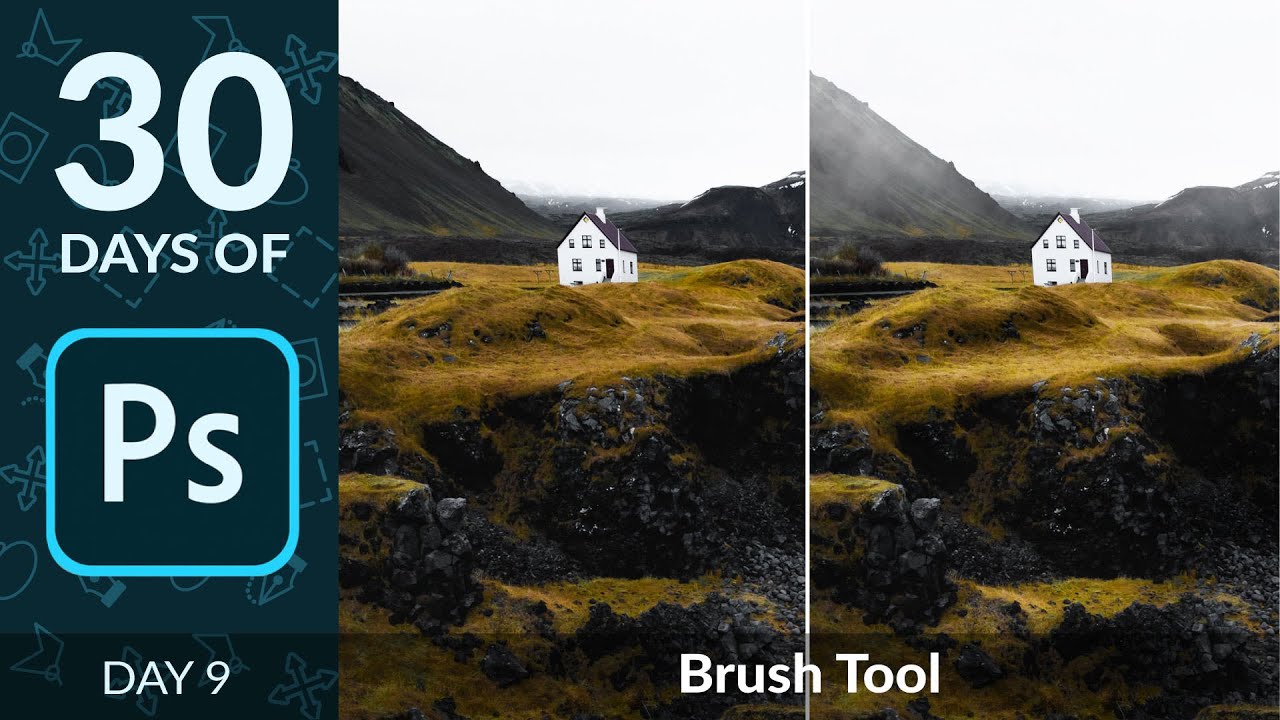
How to Use the Brush Tool in Photoshop | Day 9
A video on YouTube. In Photography & Film, a Krater category.
Watch on YouTubeSummary by Krater
Aaron Nace demonstrates how to use Photoshop's brush tool for dodging, burning, and painting custom cloud fog effects using flow and opacity adjustments.
From the video
Answers: How do you use the brush tool in Photoshop for dodging, burning, and painting clouds?
- Photoshop brush tool
- Dodging and burning with brushes
- Brush flow vs opacity
- Custom brush creation
- Brush settings and jitter
What it concludes
- Using flow instead of opacity produces a smoother, more natural gradient build-up when painting with a brush in Photoshop.
- Pressure-sensitive tablets give you more control over brush size, flow, and opacity compared to a standard mouse.
Rate it, review it and add it to your lists in Krater.
Titles and thumbnails from YouTube. Krater isn't affiliated with, endorsed by or sponsored by YouTube or Google.