 Krater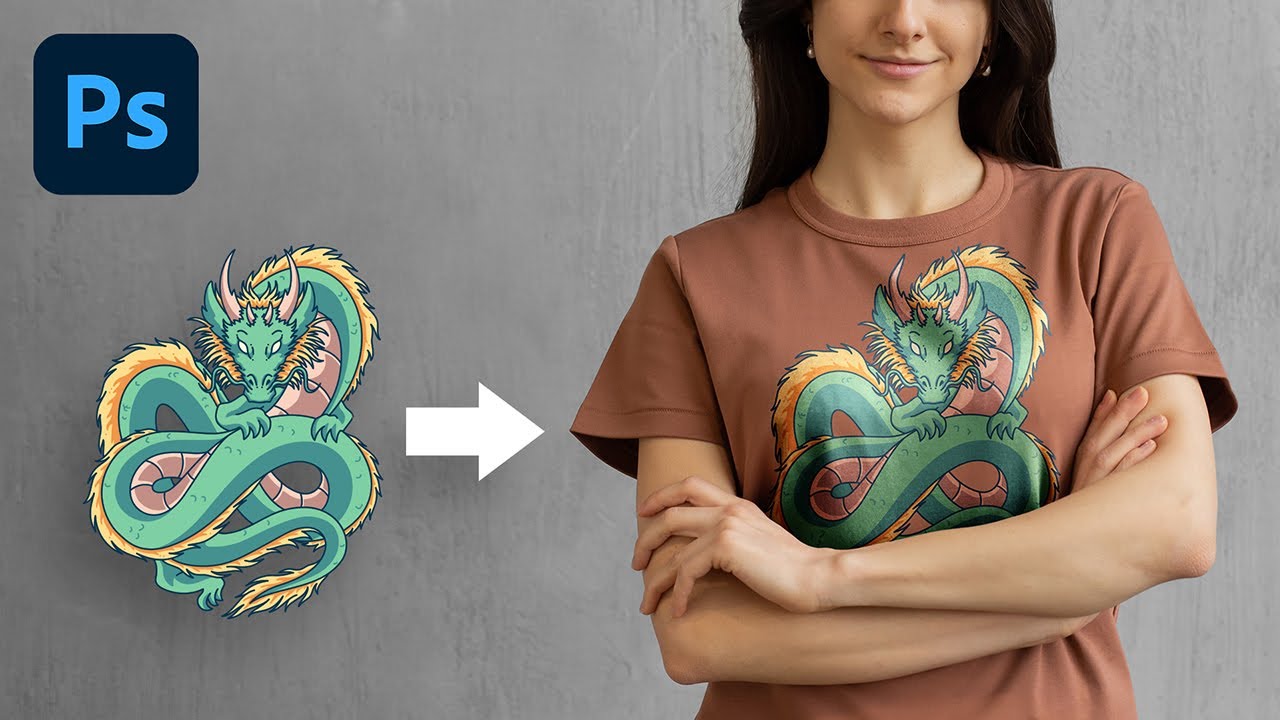
The Most Realistic Way to Place Design on T-Shirt! - Photoshop Tutorial
A video on YouTube. In Photography & Film, a Krater category.
Watch on YouTubeSummary by Krater
A tutorial on how to realistically place and blend a graphic onto a coloured shirt in Adobe Photoshop using Liquify, Multiply, Screen, and luminosity masks.
From the video
Answers: How to realistically place a design on a coloured shirt in Photoshop?
- Graphic placement on clothing in Photoshop
- Realistic blending of graphics on fabric
- Using Liquify for clothing folds
- Blend modes for clothing textures
- Luminosity masks for dark and bright areas
What it concludes
- Liquify gives more control than displacement maps over bending shapes on shirt folds.
- Luminosity masks allow separating blend modes for dark and bright shirt areas to preserve realism.
- Hue and saturation adjustments help neutralise unwanted shirt colour seeping into the design.
Rate it, review it and add it to your lists in Krater.
Titles and thumbnails from YouTube. Krater isn't affiliated with, endorsed by or sponsored by YouTube or Google.