 Krater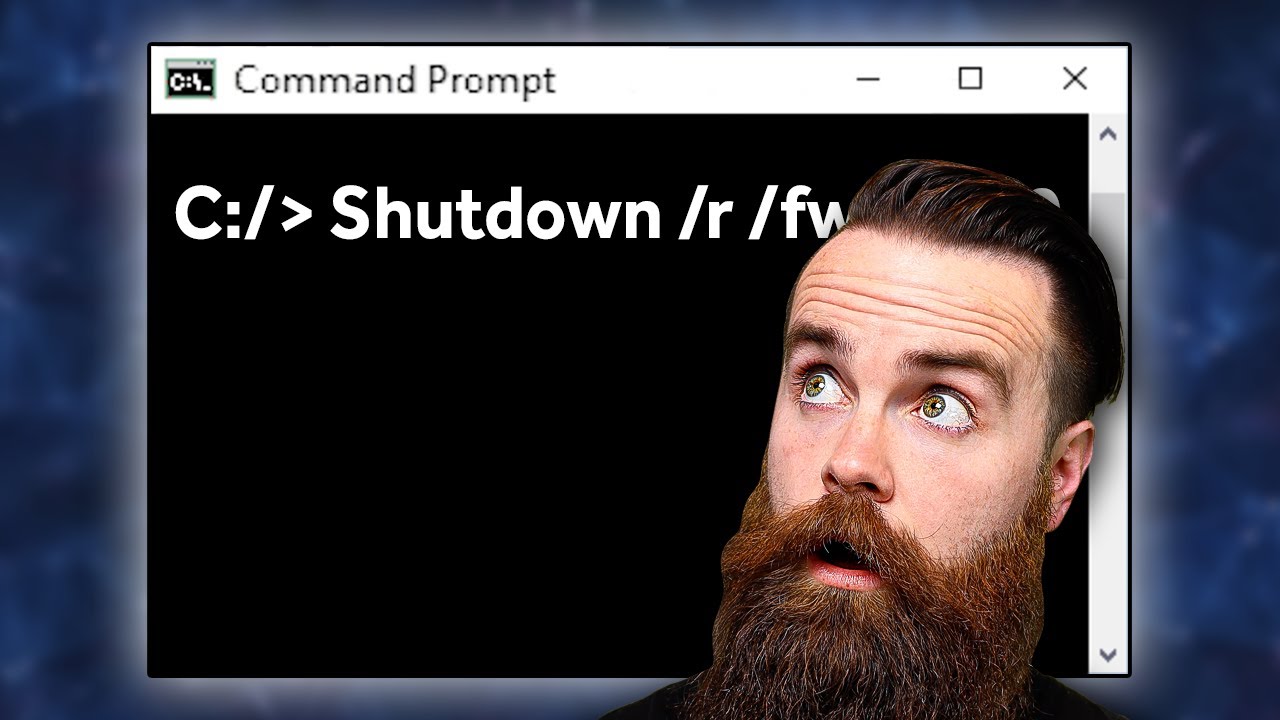
40 Windows Commands you NEED to know (in 10 Minutes)
A video on YouTube. In Tech, a Krater category.
Watch on YouTubeSummary by Krater
The presenter demonstrates 40 Windows command prompt commands for network troubleshooting, system management, and optimization, including ipconfig, nslookup, netstat, and chkdsk.
From the video
Answers: What are the essential Windows Command Prompt commands every user should know?
- ipconfig
- nslookup
- netstat
- ping
- tracert
- route
- shutdown
- system file checker
- DISM
- chkdsk
- taskkill
- netsh
What it concludes
- Running ipconfig /all provides complete network configuration information including MAC address and DNS servers.
- Using the clip command with ipconfig /displaydns copies the DNS cache to the clipboard for easy viewing in a text editor.
- The ipconfig /flushdns command deletes the DNS resolver cache to remove stale entries.
- The sfc /scannow command scans and replaces corrupted Windows system files.
- DISM commands can be used to repair system images when sfc does not resolve system issues.
- The tasklist and taskkill commands allow you to locate and terminate background processes causing system slowdowns.
Rate it, review it and add it to your lists in Krater.
Titles and thumbnails from YouTube. Krater isn't affiliated with, endorsed by or sponsored by YouTube or Google.