 Krater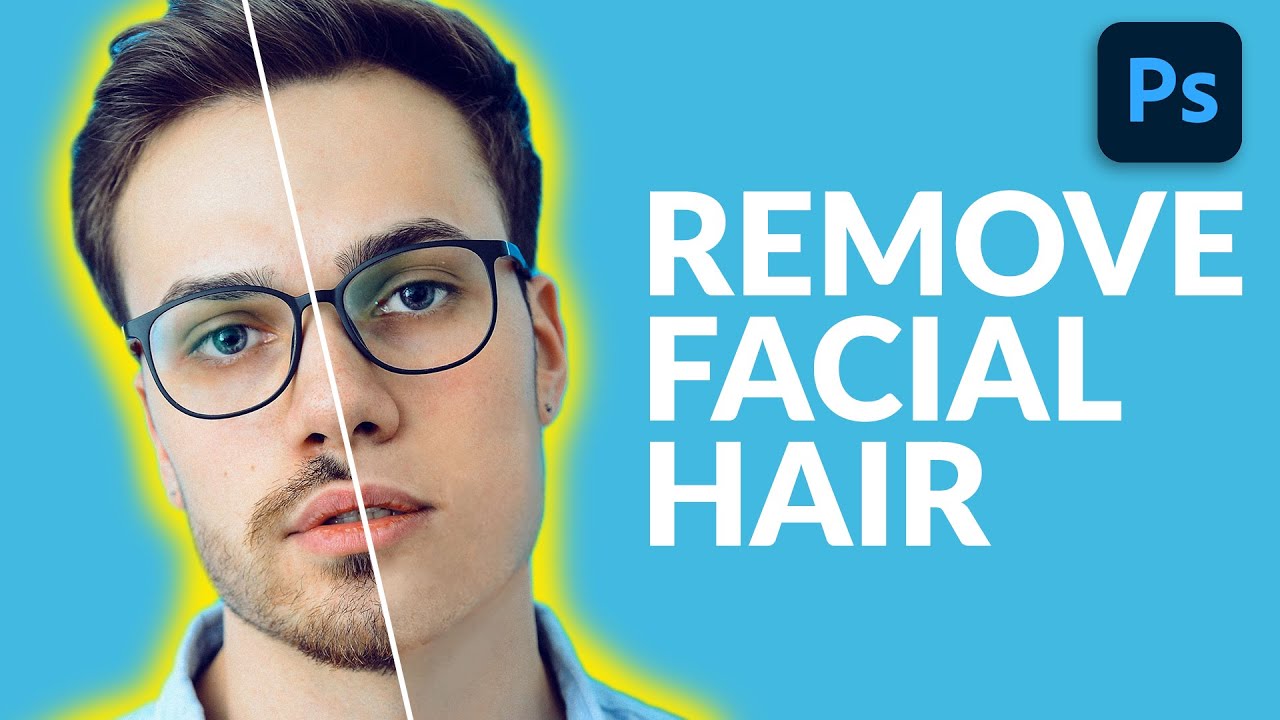
How to Remove Facial Hair in Photoshop
A video on YouTube. In Photography & Film, a Krater category.
Watch on YouTubeSummary by Krater
This video tutorial demonstrates a step-by-step technique in Adobe Photoshop to remove facial hair from a person using brush painting, sampling skin tones, adjusting brush flow, and compositing skin texture from another reference image.
From the video
Answers: How do you remove facial hair in Photoshop?
- facial hair removal in Photoshop
- skin color sampling with brush tool
- painting skin texture
- compositing skin texture from reference photo
- Photoshop high pass filter texture extraction
- Photoshop warp tool face alignment
What it concludes
- Using the brush tool with skin color sampling and adjustable flow is more effective than automatic tools for removing facial hair.
- Compositing texture from a reference image with a high pass filter and overlay blend mode adds realistic skin texture back onto a retouched face.
Rate it, review it and add it to your lists in Krater.
Titles and thumbnails from YouTube. Krater isn't affiliated with, endorsed by or sponsored by YouTube or Google.