 Krater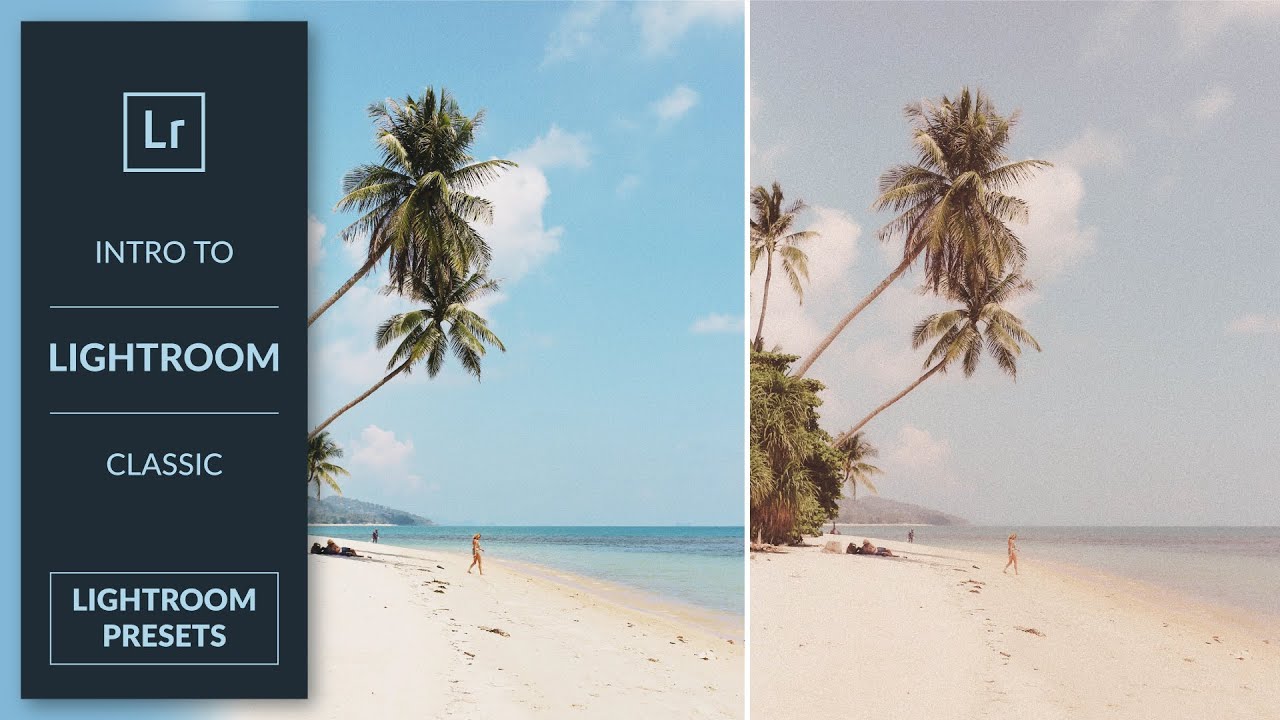
How to Create Presets in Lightroom Classic
A video on YouTube. In Photography & Film, a Krater category.
Watch on YouTubeSummary by Krater
This tutorial explains how to create, save, export, and install Lightroom presets in Adobe Lightroom Classic using a vintage film style example.
From the video
Answers: How do I create and install Lightroom presets in Adobe Lightroom Classic?
- Lightroom presets
- Vintage film edit
- Develop module adjustments
- Split toning
- Exporting presets
- Importing preset packs
What it concludes
- All adjustments made in the Develop module can be recorded into a preset to replicate a style across multiple images.
- Unchecking settings during preset creation allows you to exclude specific adjustments like white balance from the preset.
- Importing preset packs in the Develop module makes it easy to apply and test different preset looks on your images.
Rate it, review it and add it to your lists in Krater.
Titles and thumbnails from YouTube. Krater isn't affiliated with, endorsed by or sponsored by YouTube or Google.