 Krater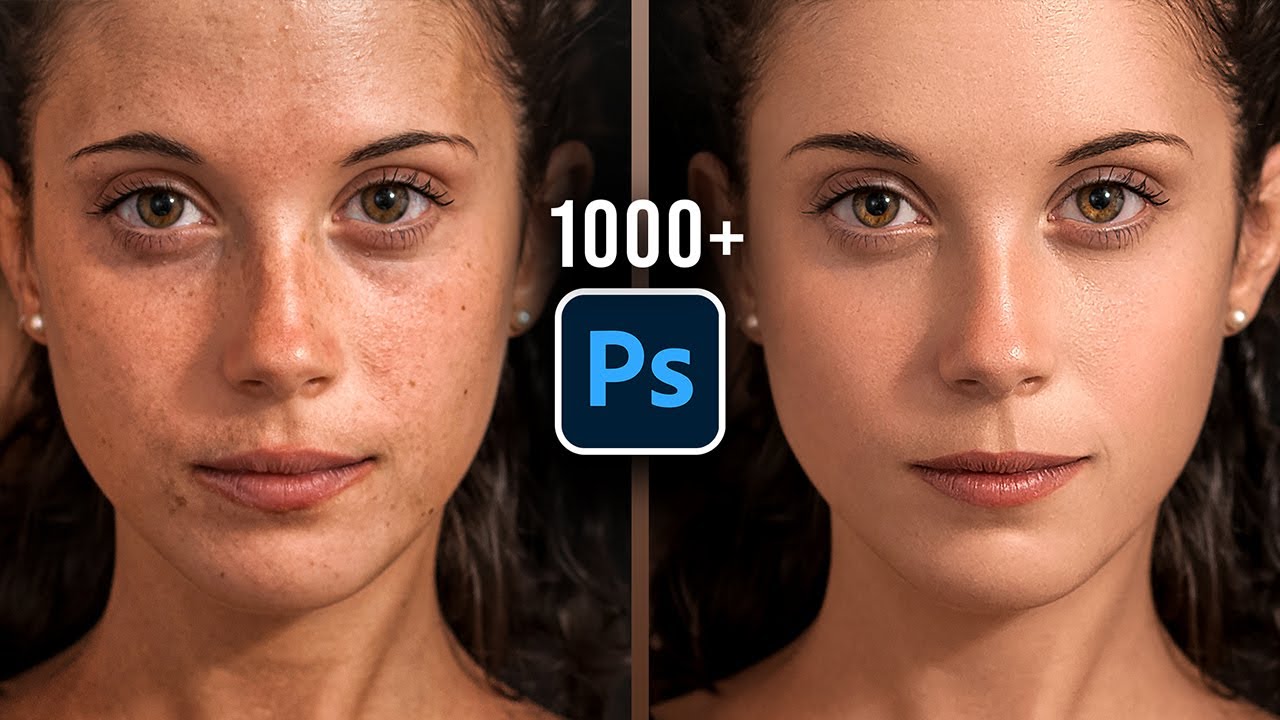
Batch Retouch 1000+ Photos in 1 Click! (Photoshop & AI)
A video on YouTube. In Photography & Film, a Krater category.
Watch on YouTubeSummary by Krater
The video demonstrates how to use Retouch4me plugins in Adobe Photoshop to batch-retouch portraits automatically with a single drag-and-drop action.
From the video
Answers: How do I batch retouch portraits automatically in Photoshop using Retouch4me?
- automatic portrait retouching in Photoshop
- using Retouch4me plugins
- batch processing images with Photoshop actions and droplets
- skin blemish removal and skin tone correction
- dodge and burn portrait enhancement
- backdrop cleanup and fabric smoothing
What it concludes
- Retouch4me plugins can automatically remove blemishes, clean backdrops, and retouch portraits with a single click.
- Photoshop actions and droplets allow batch processing of thousands of portrait images without opening Photoshop manually.
- Retouching plugins can save time and increase profitability for professional photographers by automating repetitive tasks.
Rate it, review it and add it to your lists in Krater.
Titles and thumbnails from YouTube. Krater isn't affiliated with, endorsed by or sponsored by YouTube or Google.