 Krater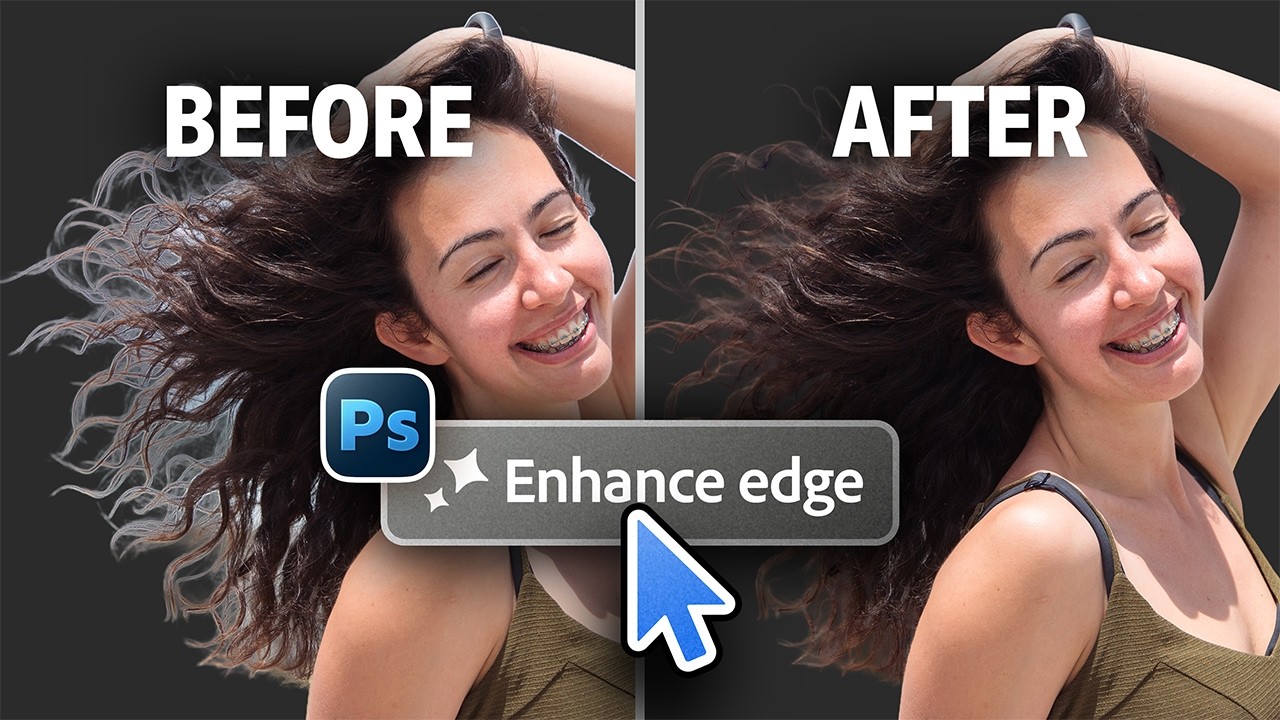
Did Photoshop Finally Solve Hair Masking? Insane New Feature!
A video on YouTube. In Photography & Film, a Krater category.
Watch on YouTubeSummary by Krater
This video explains how to use the new Enhance Edge feature in Adobe Photoshop Beta to automatically expand and clean up hair edges and remove halos when masking. It covers how the AI tool works, how it consumes generative credits, how it compares to the Decontaminate Colors feature, and its limitations with high-detail hair.
From the video
Answers: How does the new Enhance Edge feature work in Adobe Photoshop?
- Adobe Photoshop Beta Enhance Edge feature
- Removing hair halos in Photoshop
- Generative credits consumption in Photoshop AI
- Comparing Enhance Edge and Decontaminate Colors
- Resolution limitations of AI masking tools
What it concludes
- Enhance Edge uses AI to generate and expand mask edges to remove hair halos while keeping subject resolution unchanged.
- Using Enhance Edge consumes generative credits.
- Enhance Edge does not improve or refine the existing mask, it only fills in and generates outside areas.
- Enhance Edge can be used effectively to increase hair volume while keeping the background consistent.
- Decontaminate Colors creates a much flatter, sharper edge compared to the more natural texture produced by Enhance Edge.
- Enhance Edge has a resolution limitation that can turn high-detail hair into mush on high-resolution images.
Rate it, review it and add it to your lists in Krater.
Titles and thumbnails from YouTube. Krater isn't affiliated with, endorsed by or sponsored by YouTube or Google.