 Krater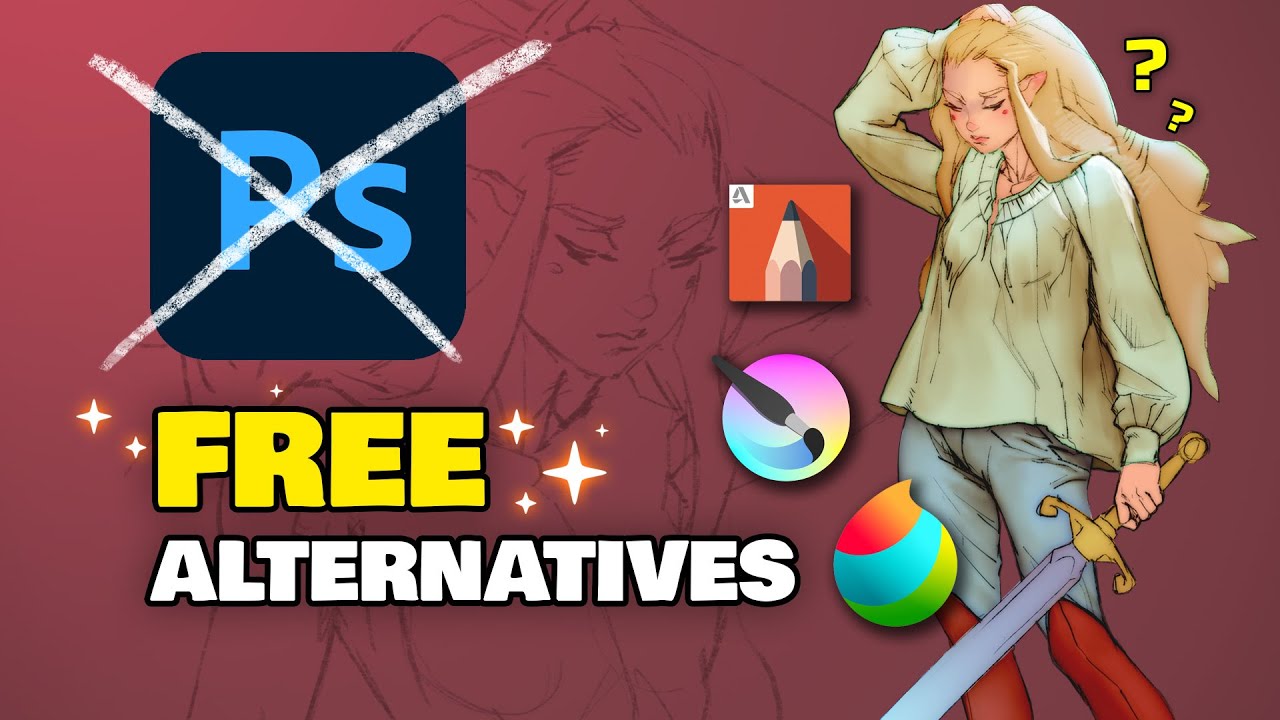
TESTING 3 FREE PAINTING APPS (Krita, Medibang Paint, Sketchbook)
A video on YouTube. In Art & Drawing, a Krater category.
Watch on YouTubeSummary by Krater
An art teacher compares three free painting applications as Photoshop alternatives—Autodesk SketchBook, MediBang Paint Pro, and Krita—evaluating their navigation, hotkeys, brush customization, layers, and filters to determine which is the best option for digital artists on a budget.
From the video
Answers: What are the best free digital painting apps to use as a Photoshop alternative?
- free digital painting software
- Photoshop alternatives for digital artists
- Autodesk SketchBook review
- MediBang Paint Pro review
- Krita review
- brush customization in digital art software
- layer blending modes in painting apps
What it concludes
- Autodesk SketchBook is the worst of the three tested software for navigation and lacks an eraser hotkey and proper canvas panning separation.
- MediBang Paint Pro is a solid free option with eraser hotkeys and layer blending modes, but lacks custom brush creation and has sluggish brush size adjustment.
- Krita is the most robust, stable, and feature-rich out of the three free apps, offering customizable hotkeys, brush blending modes, and a user experience closest to Photoshop.
Rate it, review it and add it to your lists in Krater.
Titles and thumbnails from YouTube. Krater isn't affiliated with, endorsed by or sponsored by YouTube or Google.