 Krater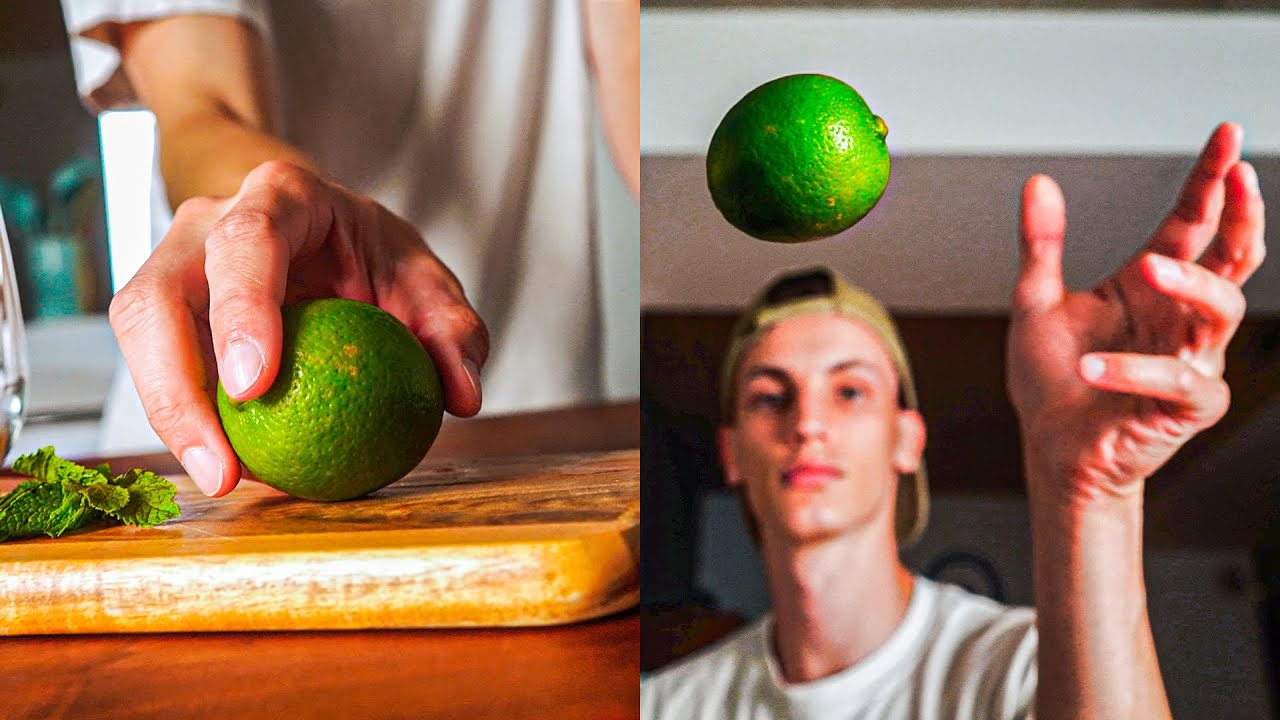
HOW TO CREATE A SEAMLESS "THROW" TRANSITION
A video on YouTube. In Photography & Film, a Krater category.
Watch on YouTubeSummary by Krater
The creator demonstrates how to smoothly transition between two mismatched video shots using focal length changes, speed ramping, stabilization, keyframes, and a light leak overlay.
From the video
Answers: How do you make a smooth transition between mismatched video shots?
- focal length change transition
- speed ramping in Final Cut Pro
- manual camera tracking and keyframing
- hiding cuts with film burns
What it concludes
- Speed ramping between two clips can hide the cut and make transitions smoother.
- Manual keyframing and tracking of the subject's position helps keep the framing centered across camera changes.
- Applying a film burn overlay with a blend mode of add effectively masks the cut between two distinct shots.
Rate it, review it and add it to your lists in Krater.
Titles and thumbnails from YouTube. Krater isn't affiliated with, endorsed by or sponsored by YouTube or Google.